How to Budget AV for a Trade Show Without Sacrificing Impact

Trade show AV budgets are often built backward. Exhibitors spend heavily on booth space and graphics, then try to squeeze AV into whatever remains. The result is predictable: undersized screens, poor audio, and content that fails to attract attention.


Budgeting AV correctly is not about spending more. It is about spending intentionally. This guide walks through how to allocate AV dollars so your booth still looks premium, performs reliably, and delivers ROI.

Start With Outcomes, Not Equipment


Before pricing gear, define what the AV needs to accomplish:

  • Stop traffic
  • Support demos
  • Deliver presentations
  • Reinforce brand credibility


AV choices should serve outcomes, not checklists.


Where AV Budgets Typically Go Wrong


Common mistakes:

  • Overspending on too many small screens instead of one focal display
  • Cutting technician support to save costs
  • Ignoring content formatting until the last minute
  • Underestimating power and labor requirements


Each mistake creates downstream costs that exceed the initial savings.


Budget Priority Order That Actually Works


Primary Visual Display

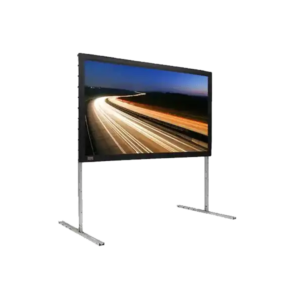
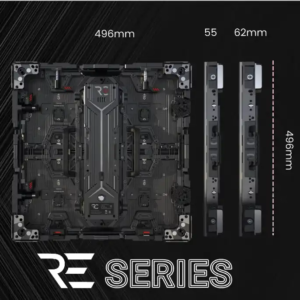
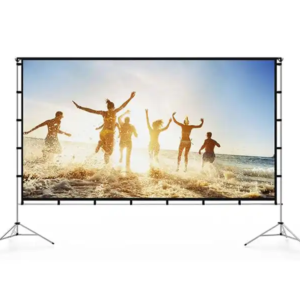
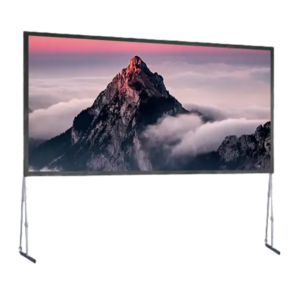
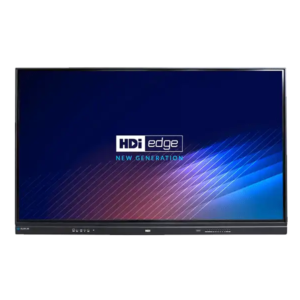
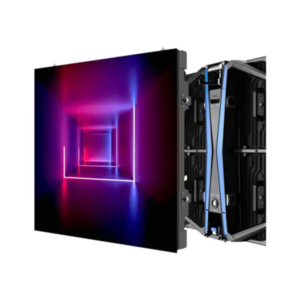
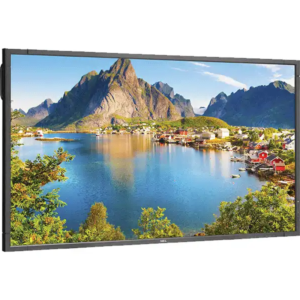
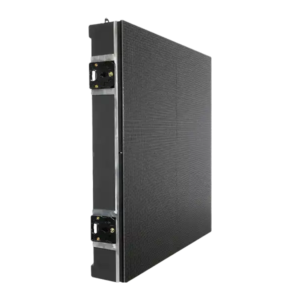
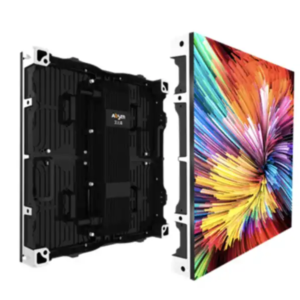
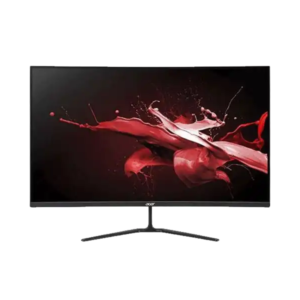
Your main screen or LED wall does the heavy lifting. Allocate the largest share of the AV budget here.


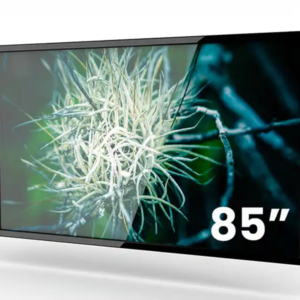
LED video wall rental options 

Content Optimization

Well-designed motion content outperforms static loops every time.

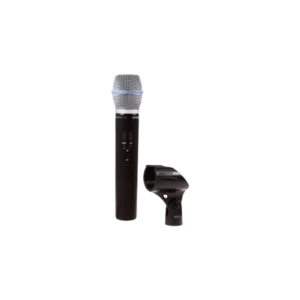
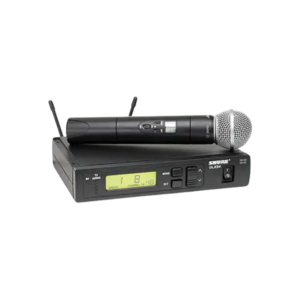
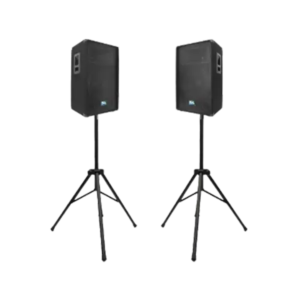
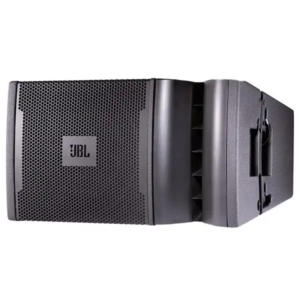
Audio Clarity

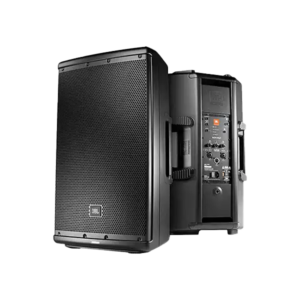
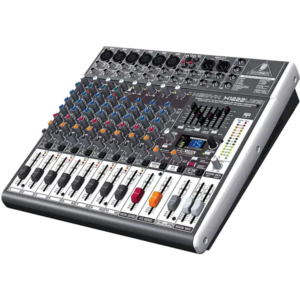
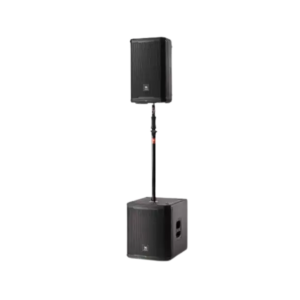
Clear audio matters even in small booths. Poor sound undermines professionalism.

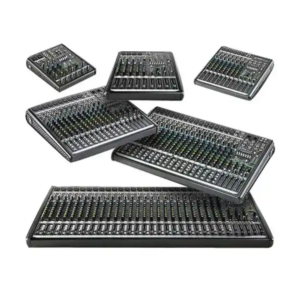
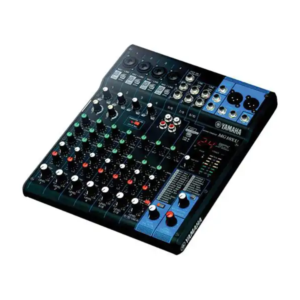
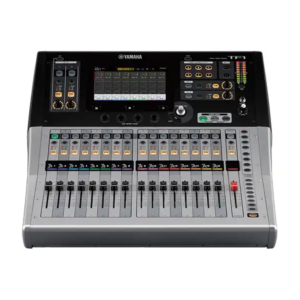
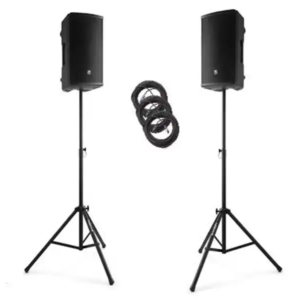
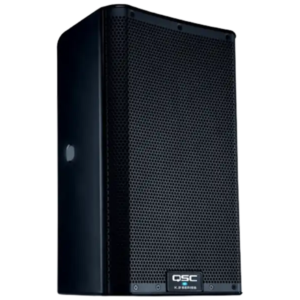
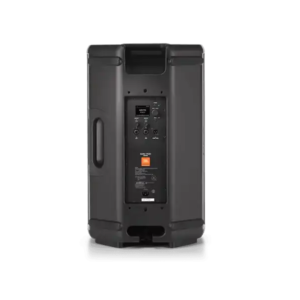
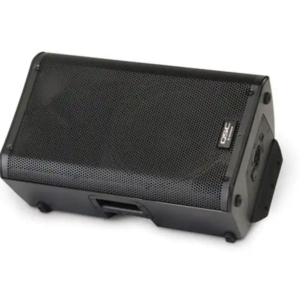
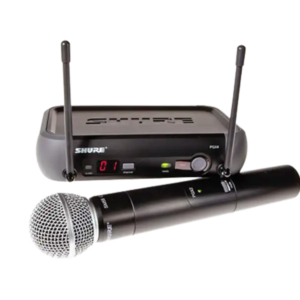
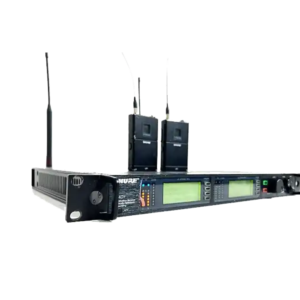
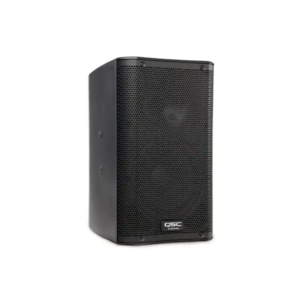
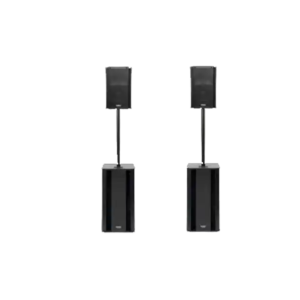
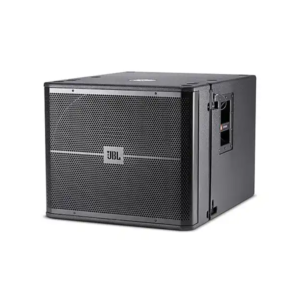
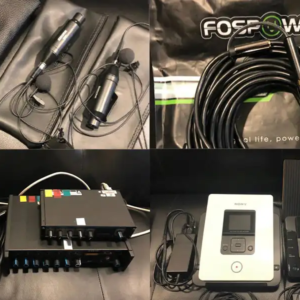
audio equipment rentals for events

Onsite Support

One experienced technician prevents hours of downtime.

professional AV support services

Where You Can Safely Reduce Spend

  • Fewer screens with stronger placement
  • Shorter rental durations for non-critical gear
  • Shared playback devices instead of one per display

Conversion CTA


If you want help building an AV budget that performs without waste, AVR Expos provides planning support alongside rentals.

Why Small Events Still Need Professional AV Support

Small events don’t fail quietly. When AV breaks, everyone notices. The assumption that small equals simple causes more issues than budget ever will.

Complexity Is Not Tied to Audience Size

A 30-person meeting can be more complex than a 300-person keynote if:

  • Multiple presenters rotate
  • Hybrid feeds are involved
  • Content formats vary

What Professionals Prevent


AV technicians prevent:

  • Dead microphones
  • Incompatible adapters
  • Poor audio gain
  • Screen resolution issues


Contextual link recommendation:

event AV technician services

Cost of Failure vs Cost of Support

One failed presentation costs more than proper AV support ever will.

Right-Sized Systems


Professional AV does not mean oversized systems. It means systems that are matched correctly.

Conversion CTA


If your event matters, its AV matters. AVR Expos supports events of all sizes with the same discipline and reliability.

When to Choose Projection Over LED for Corporate Events

LED video walls get attention, but projection still wins in many corporate environments. The mistake planners make is assuming brighter always means better. The correct choice depends on room conditions, content type, and audience behavior.

Where Projection Still Excels


Projection remains ideal when:

  • Rooms are light-controlled
  • Content is text-heavy
  • Budgets prioritize scale over spectacle


Contextual link recommendation:

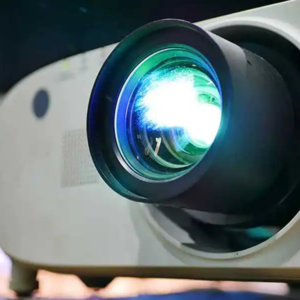
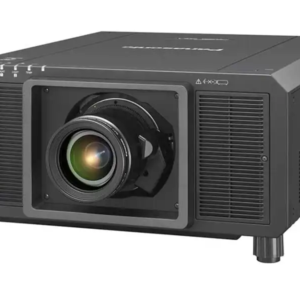
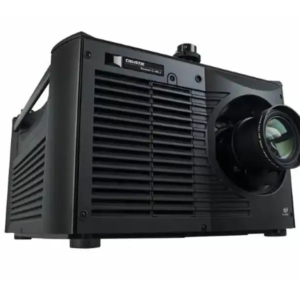
corporate projector rental solutions

When LED Is the Right Upgrade


Choose LED when:

  • Ambient light cannot be controlled
  • Viewing angles are wide
  • Branding impact matters


Contextual link recommendation:

 LED video wall rentals for events

Audience Behavior Matters


If attendees are seated and focused, projection performs well. If they are moving, standing, or entering late, LED retains visibility.

Hybrid Approaches


Many corporate events succeed by combining:

  • Projection for presentations
  • LED for stage branding or walk-in loops

Conversion CTA


Not sure which display technology fits your event? AVR Expos helps clients choose based on room conditions, not trends.

How AV Planning Changes for Multi-Day Conferences

AV failures compound over time. What works on day one often degrades by day three without proper planning. Multi-day conferences require durability, redundancy, and operational discipline.

Equipment Fatigue Is Real

Continuous operation stresses:

  • Projectors
  • LED processors
  • Audio amplifiers

Commercial-grade gear is non-negotiable.

Contextual link recommendation:

 professional AV rental equipment

Labor Planning Is Half the Battle


Multi-day events benefit from:

  • Consistent technicians
  • Daily system checks
  • Scheduled recalibration


Contextual link recommendation:

onsite AV technician support

Content Rotation Prevents Fatigue

Audiences change daily. Content should too. Plan multiple loops and session-specific visuals.

Redundancy Is Insurance

Backup laptops, cables, and playback systems prevent downtime that compounds across days.

Conversion CTA

If your conference spans multiple days, AVR Expos designs AV systems that stay consistent from opening keynote to final session.


How to Design a Trade Show Booth AV Layout That Guides Attendee Flow

Most trade show booths fail for one reason: they don’t control movement. Attendees hesitate, block entrances, or walk past without understanding where to engage. AV layout is the difference between a booth that feels intuitive and one that feels chaotic.


This guide explains how to design AV layouts that guide attendee flow deliberately, using screens, audio, and interaction zones to create momentum instead of congestion.

Why Attendee Flow Matters More Than Booth Size


A large booth with poor flow performs worse than a smaller booth with clear visual hierarchy. AV elements should act as directional cues, not distractions.

Common flow problems include:

  • Screens facing inward instead of toward aisles
  • Audio pulling attention away from entry points
  • Touchscreens placed where they block traffic

Use AV as Visual Wayfinding

Screens should not just display content. They should signal where to look next.

Primary Attraction Zone

Your largest or brightest screen belongs on the aisle-facing edge of the booth. This pulls attention from passersby before they decide to stop.

Engagement Zone

Secondary displays or touchscreens belong deeper in the booth. This creates a natural transition from interest to interaction.

Audio Should Support, Not Compete

Audio should reinforce engagement zones, not bleed into aisles.


Best practice:

  • Directional speakers aimed inward
  • Volume calibrated for conversation, not performance
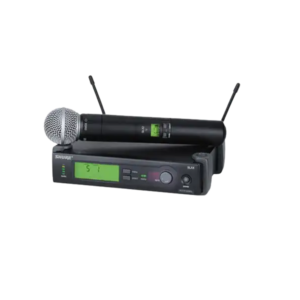
  • Wireless mics reserved for scheduled moments

Contextual link recommendation:

professional AV systems for trade shows

Touchscreens as Flow Anchors


Touchscreens are powerful when used intentionally.


Place Screens Parallel to Traffic

Angled or perpendicular touchscreens invite engagement without blocking movement.

Limit Dwell Time

Content should allow meaningful interaction in under two minutes to avoid backups.


Contextual link recommendation:

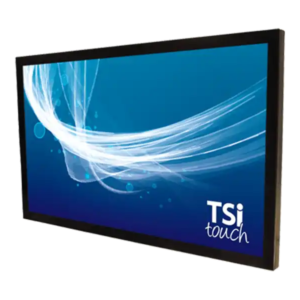
touchscreen monitor rentals for events

LED Walls as Directional Backdrops


LED walls work best when they frame the experience, not dominate it.


Use LED to:

  • Establish brand presence
  • Define the back boundary of the booth
  • Create visual depth without physical barriers


Contextual link recommendation:

modular LED video wall systems

Final Planning Checklist

  • Can someone understand where to stand within 3 seconds?
  • Does AV guide them forward, not sideways?
  • Are conversations protected from aisle noise?

Conversion CTA


If you’re planning a trade show booth and want an AV layout that actually converts traffic into conversations, request a layout consult with AVR Expos.

How AV Wayfinding Improves Attendee Flow at Large Conferences

Large conferences in Orlando often span multiple halls, ballrooms, and breakout spaces. Without clear navigation, attendees become frustrated, miss sessions, and disengage. AV-driven wayfinding solves this problem visually and intuitively.


 What Is AV Wayfinding


AV wayfinding uses displays and interactive touchpoints to guide attendees in real time.


Common tools include:

  • Digital directories
  • Schedule screens
  • Interactive touchscreen maps


Learn more about touchscreen display rentals for events

→ https://www.avrexpos.com/touchscreen-rentals/

Where Wayfinding Displays Work Best


Entry Points

Large displays at entrances reduce confusion immediately.

Session Clusters

Screens near session rooms reinforce schedules and room changes.

Exhibit Halls

Wayfinding prevents aisle congestion and improves booth traffic.

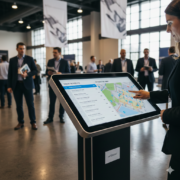
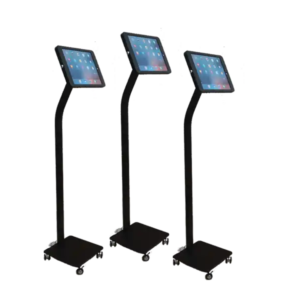
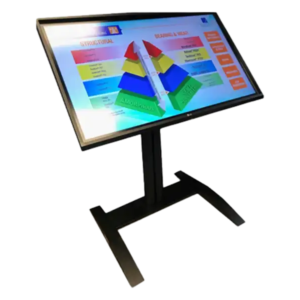
Touchscreen wayfinding kiosk used at a large event

Content Design for Wayfinding


Effective wayfinding content uses:

  • High-contrast colors
  • Large typography
  • Simple iconography
  • Minimal animation

Power and Network Considerations


Use local playback and avoid network dependence when possible.

Conversion CTA


If you’re planning a large Orlando conference and need wayfinding AV support, start with the right display strategy.

Find location-based AV services here:

→ https://www.avrexpos.com/locations/

Building Scalable AV Systems for Multi-City Trade Shows

Exhibitors showing in Dallas often aren’t stopping there. One booth design may need to function in Chicago one month, Orlando the next, and Las Vegas shortly after. The problem? AV systems are often designed for a single venue and fall apart when reused elsewhere.


Scalable AV planning solves this by creating systems that adapt without requiring full redesigns or new rentals every show.


What Makes an AV System Scalable


Scalable systems share three traits:

  • Modular components
  • Consistent power requirements
  • Flexible mounting options


 Modular Display Design


Instead of a single oversized display, many exhibitors use:

  • Two or three standardized monitors
  • LED tiles configured to resize as needed


This allows quick reconfiguration without new content builds.


For modular AV rental equipment options

→ https://www.avrexpos.com/av-rental-products/

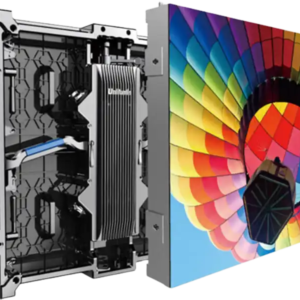
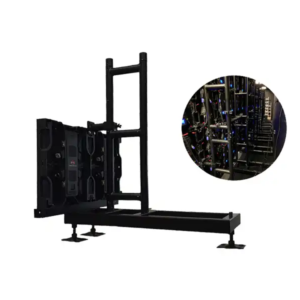
LED tiles arranged for flexible trade show booth layouts

Content That Travels


Design content in modular layouts:

  • Loops that function on one or multiple screens
  • Aspect ratios that adapt without distortion
  • Typography legible from varying distances

Audio That Works Everywhere


Trade show audio should be:

  • Self-contained
  • Directional
  • Easy to re-level per venue


Avoid room-specific tuning that won’t translate.

Power Planning Across Cities


Different venues offer different standards. Always plan for:

  • Higher amperage availability
  • Redundant power paths


Conversion CTA


If you exhibit in Dallas and beyond, scalable AV design saves money and reduces risk. Explore trade show AV support by city

→ https://www.avrexpos.com/locations/

How to Plan Secure AV for Government and Policy Events in Washington DC

Government and policy events operate under a different set of rules than standard corporate conferences. In Washington DC, event planners must balance clarity, visibility, and professionalism with security, neutrality, and compliance. AV decisions that work in a commercial setting can become liabilities when applied to policydriven environments.
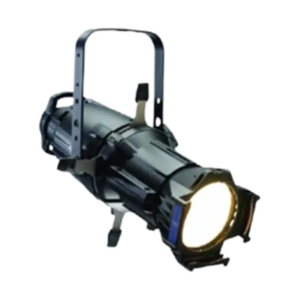
 

From content security to audio containment, the success of a government or policy event often hinges on how intentionally the AV system is planned. This guide outlines how to approach AV strategy for DC-based events without overbuilding, overspending, or introducing unnecessary risk.

Why Government Events Require a Different AV Mindset


Policy-focused environments demand restraint and reliability. The AV system should support communication without becoming the focal point.


Key considerations include:

  • Controlled content distribution
  • Neutral visual presentation
  • Clear, intelligible audio without spillover
  • Redundancy and fail-safes


For planners sourcing professional AV equipment for conferences

→ https://www.avrexpos.com/audio-visual-rentals/


Display Strategy for Policy and Government Events


LED Walls vs Monitors in Secure Environments


Large LED walls can be effective for plenary sessions, but many policy events favor high-brightness monitors or modest LED canvases to maintain visual neutrality.


Use LED displays when:

  • Messaging must be visible across large rooms
  • Ambient light is uncontrollable
  • Content is static or controlled loops


Use monitors when:

  • Multiple speakers present sequential content
  • Content security is a concern
  • The room size favors clarity over scale


Learn more about event display solutions for conferences

→ https://www.avrexpos.com/led-video-wall-rentals/


 Height, Sightlines, and Visual Control


Screens should be mounted above seated eye level but below truss-heavy sightlines. The goal is authority without dominance.
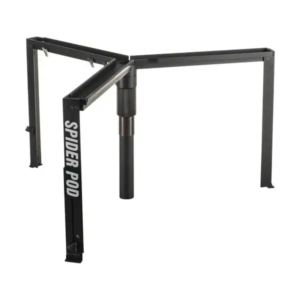
 

Avoid:

  • Floor-mounted consumer TVs
  • Oversized LED canvases in breakout rooms
  • Distracting motion graphics

Directional speakers and professional display placement for a policy-focused event

Audio Planning for Policy Events


Audio clarity matters more than volume.
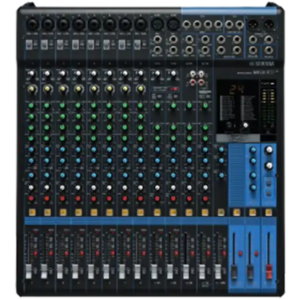
 

Recommended setup:

  • Two directional speakers
  • Wired podium microphones when possible
  • Wireless handhelds with frequency coordination
  • Minimal EQ adjustments to preserve voice tone


This approach prevents aisle bleed and avoids interference in multi-room venues.
 

Power and Redundancy Planning


Government venues often restrict last-minute changes.

Always plan power conservatively.


Typical needs:


  • Displays: 10–15 amps
  • Audio: 3–5 amps
  • Control equipment: 2–3 amps


Always request dedicated circuits and avoid daisy chaining.


Content Security and Playback Control


Use:

  • Local playback devices
  • Locked presentation laptops
  • No cloud-dependent feeds
  • Backup USBs with mirrored content


Avoid relying on venue Wi-Fi for mission-critical playback.

Conversion CTA


If you’re planning a government or policy event and need AV support in Washington DC, work with a team experienced in secure, compliant environments.

Explore location-based support here:

→ https://www.avrexpos.com/locations/

Why Long-Form AV Planning Is Replacing Last-Minute Event Production

Event complexity has increased, but planning timelines often haven’t. Teams that rely on last-minute AV decisions experience more technical issues, higher costs, and limited flexibility.

What Long-Form AV Planning Looks Like


System-Level Thinking

Planning considers displays, audio, control, power, and staffing together.

Content-First Design

Displays are chosen to support content, not the other way around.


 professional AV rental solutions

How Planning Reduces Risk


Fewer Failure Points

Simplified systems are easier to support.

Faster On-Site Adjustments

Pre-planned workflows reduce stress during live events.

Why This Matters Across All Cities

Consistent planning frameworks improve execution regardless of venue or location.


AV rental products and planning


Conversion CTA — Nationwide

AVR Expos helps event teams plan AV systems early, reducing risk and improving execution across cities and event types.

How Orlando Conference Planners Use AV to Reduce Attendee Confusion at Large Events

Large conferences in Orlando often span multiple halls, floors, and session tracks. Static signage struggles to keep pace with schedule changes and crowd movement. AV-driven wayfinding systems offer a dynamic alternative.
 

Why Attendee Confusion Is a Real Cost

Missed sessions, late arrivals, and congestion impact satisfaction and perceived event quality.
AV-Driven Wayfinding Solutions


Dynamic Schedule Displays

LED displays update session information in real time.

Visual Anchors in High-Traffic Areas

Large displays help attendees orient themselves quickly.


LED display solutions for conferences 

Reducing Staff Burden Through AV

Clear displays reduce the need for staff to provide directions repeatedly.


professional AV planning resources

Conversion CTA — Orlando


Planning a large conference in Orlando? AVR Expos designs AV systems that improve attendee flow and reduce operational stress.


Inquiry Cart0
There are no products in the cart!
0
Get A Quote
Call Us
Get a Quote