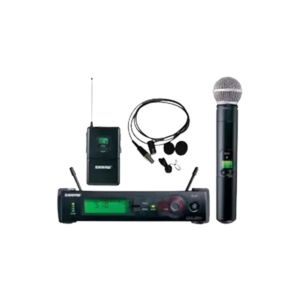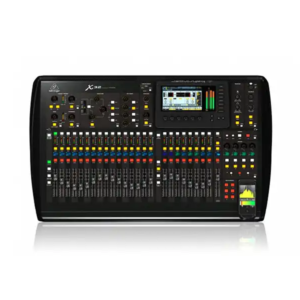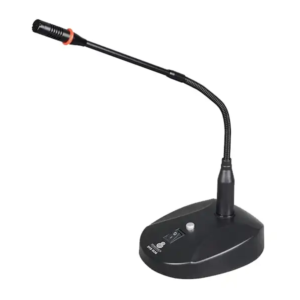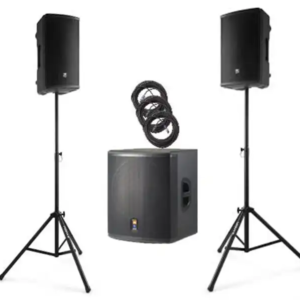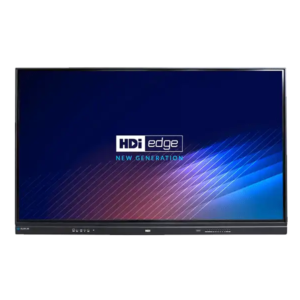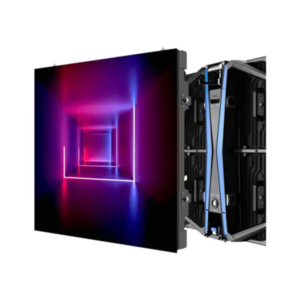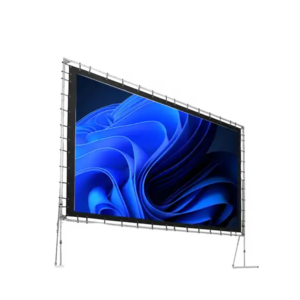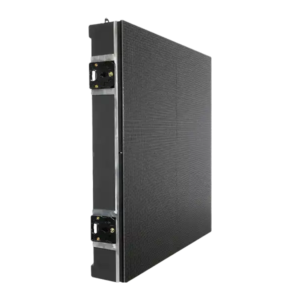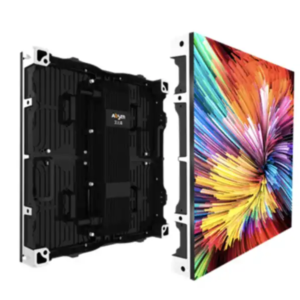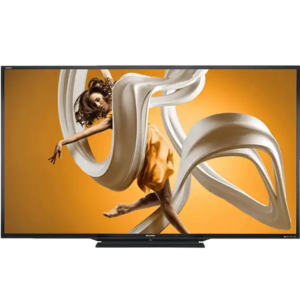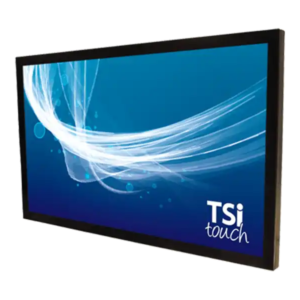
Many Dallas-based exhibitors attend more than one trade show per year. The challenge is maintaining brand consistency while adapting to different booth sizes, venues, and regulations. Static AV setups force costly redesigns and reprints.
Scalable AV systems solve this problem by allowing exhibitors to reuse, resize, and reconfigure displays across multiple events.
What Makes an AV System Scalable
Modular Display Components
AV systems built from modular components can expand or contract without reengineering.
Consistent Content Frameworks
Content should be designed to scale visually across different display sizes.
Dallas exhibitors often anchor national show schedules. Scalable AV allows consistency without repetition fatigue.
Conversion CTA — Dallas
If you’re exhibiting in Dallas and beyond, AVR Expos helps design scalable AV systems that adapt to every city on your show calendar.
https://www.avrexpos.com/wp-content/uploads/2026/01/Gemini_Generated_Image_ty4wlbty4wlbty4w.png7681408Nicholas Baadshaughttps://www.avrexpos.com/wp-content/uploads/2023/08/AVR-logo-1.webpNicholas Baadshaug2026-01-14 12:00:392026-01-17 12:01:13How Dallas Exhibitors Can Plan Scalable AV Systems for Multi-City Trade Show Schedules
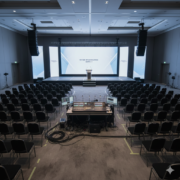
Events in Washington DC operate under a different set of rules. Policy briefings, government conferences, and association summits demand technical precision, message discipline, and visual neutrality. Flashy displays, overly branded environments, or uncontrolled content can undermine credibility or raise compliance concerns.
This is why AV design for DC events focuses less on spectacle and more on control, reliability, and clarity. A well-planned AV setup supports speakers and messaging without becoming the story itself.
Why Visual Neutrality Matters in DC Event Production
Message Comes Before Design
In policy and government environments, the goal is clarity.
Displays must support information delivery, not compete with it.
Consistency Across Sessions
Events often span multiple rooms and formats. Visual inconsistency introduces risk and confusion.
Designing Secure Display Environments
Controlled Content Inputs
AV systems should limit input sources to approved devices only.
Centralized Content Management
Using centralized playback ensures all rooms display approved, synchronized content.
Why LED Walls Are Increasingly Used
LED walls reduce reliance on projection alignment, eliminate ambient-light issues, and allow precise brightness control without visual noise.
Audio Design for Policy and Government Events
Clarity Over Coverage
Audio systems should be tuned for speech intelligibility, not volume.
Redundancy and Monitoring
Backup microphones and real-time monitoring prevent disruptions during high-visibility sessions.
Planning for Compliance and Last-Minute Changes
DC events frequently involve late agenda changes. AV systems should allow instant updates without reprinting signage or reconfiguring rooms.
Conversion CTA — Washington DC
If you’re planning a policy or government event in Washington DC, AVR Expos designs secure, visually disciplined AV environments built for compliance and clarity.
https://www.avrexpos.com/wp-content/uploads/2026/01/Gemini_Generated_Image_fqs5ojfqs5ojfqs5.png7681408Nicholas Baadshaughttps://www.avrexpos.com/wp-content/uploads/2023/08/AVR-logo-1.webpNicholas Baadshaug2026-01-12 11:50:542026-01-17 11:52:34How to Design Secure, Visually Neutral AV Setups for Policy and Government Events in Washington DC
Hybrid and multi-track events introduce complexity quickly. Multiple rooms, live and virtual audiences, and tight transitions increase the risk of technical issues. Many teams assume this requires more equipment and staff.
LED walls simplify execution by centralizing content delivery and reducing failure points.
Even seasoned exhibitors forget critical AV details in the rush leading up to a show. Power locations, content formatting, cable lengths, backup devices, audio gain levels — one missing item can derail an entire booth experience. A structured checklist ensures every piece of your AV strategy is planned, tested, and ready long before the freight doors open.
This guide gives you the exact AV checklist professional exhibitors use to deliver flawless trade show experiences. Whether you’re running a small 10×10 or a massive island build, this checklist ensures nothing is missed.
1.Confirm Your Display Strategy
Checklist:
Number of screens
Sizes
Orientation (vertical or horizontal)
Mounting method
Playback source (laptop, media player, USB)
2.Verify Content Requirements
Checklist:
Resolution matches screen size
LED content built to exact pixel count
Looping videos under 30 seconds
Backup USB copies
Offline versions for poor internet
Correct aspect ratio (16:9 or custom LED)
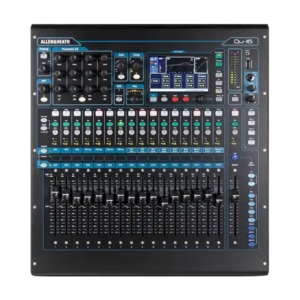
3.Plan Your Audio Setup
Checklist:
Speaker type and quantity
Microphone style
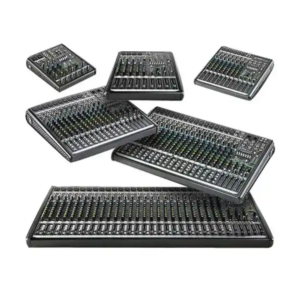
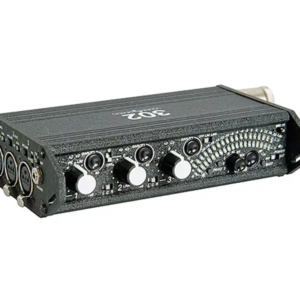
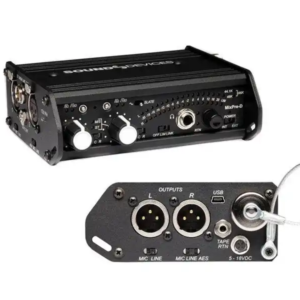
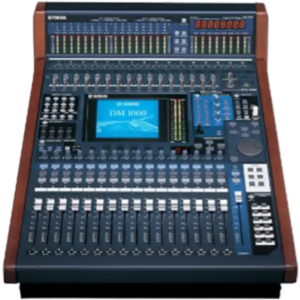
Mixer or audio controller
Directional speaker placement
Wireless frequency plan
Extra batteries for mics
4.Handle Power and Electrical Early
Checklist:
Total amperage required
Number of outlets
Power drop placement
Backup power strip
Surge protection
Avoiding last-minute power orders
5.Cable Management and Safety
Checklist:
Cable length
Velcro ties
Floor ramps
Hidden routing paths
Gaffer tape
Labeling each cable
6.Backups and Redundancy
Checklist:
Spare HDMI
Backup laptop or media player
Extra USB with content
Backup power strip
Redundant playback path
7.Onsite Testing Checklist
Checklist:
Audio levels
Screen brightness
Content playback
Touchscreen calibration
LED color balance
Wireless mic scan
Presenter walk-through
FAQs
Q1: When should I finalize AV for a trade show?
At least 30 days out to avoid rush fees and availability issues.
Q2: Should I bring my own cables or rely on rentals?
Always bring spare HDMI and power options — they’re cheap insurance.
Q3: Do all booths require audio?
No, but even simple demo areas benefit from controlled sound reinforcement.
https://www.avrexpos.com/wp-content/uploads/2023/08/AVR-logo-1.webp00Nicholas Baadshaughttps://www.avrexpos.com/wp-content/uploads/2023/08/AVR-logo-1.webpNicholas Baadshaug2026-01-03 20:09:132026-01-03 20:09:13The AV Checklist Every Exhibitor Should Use Before Their Next Event
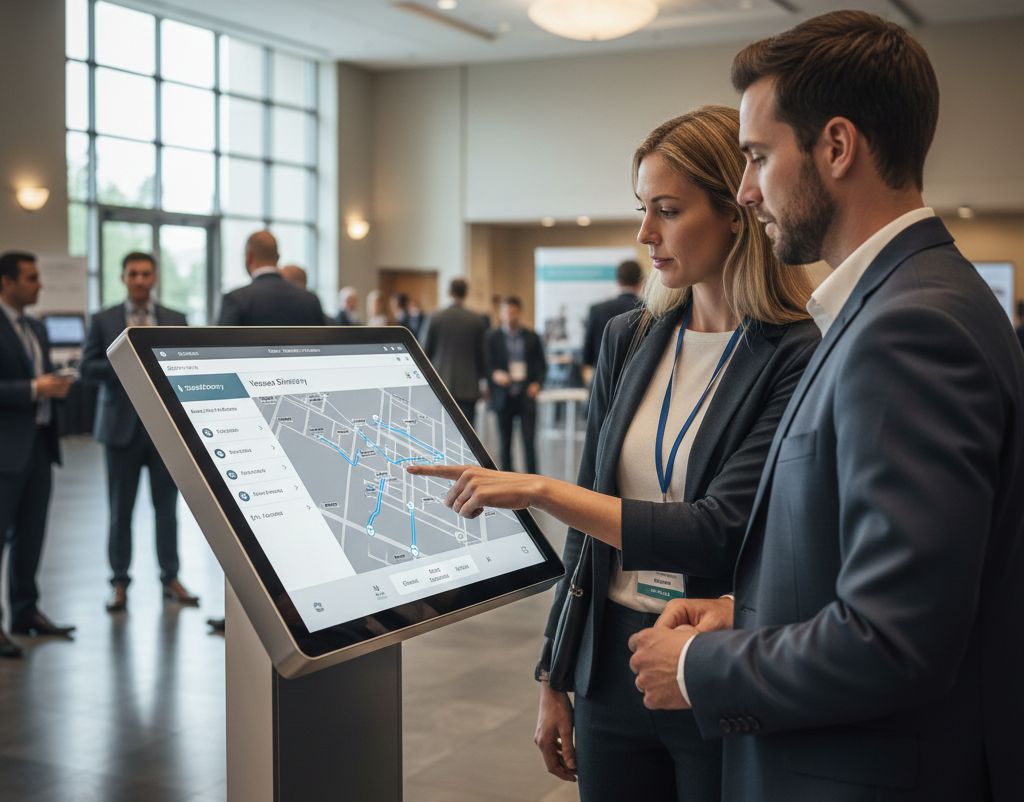
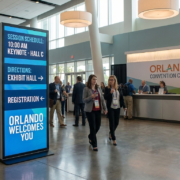
Large conferences in Orlando present a unique operational challenge. Multiple halls, overlapping sessions, and thousands of attendees make navigation difficult. Static signage cannot adapt once doors open, leading to confusion and missed sessions.
Event teams are increasingly using LED walls as operational tools to guide attendees, update schedules in real time, and improve overall event flow.
https://www.avrexpos.com/wp-content/uploads/2026/01/Event-Wayfinding-Orlando.webp7681365Nicholas Baadshaughttps://www.avrexpos.com/wp-content/uploads/2023/08/AVR-logo-1.webpNicholas Baadshaug2026-01-03 16:58:582026-01-05 22:12:24How Orlando Event Teams Use LED Walls to Improve Attendee Flow and Navigation
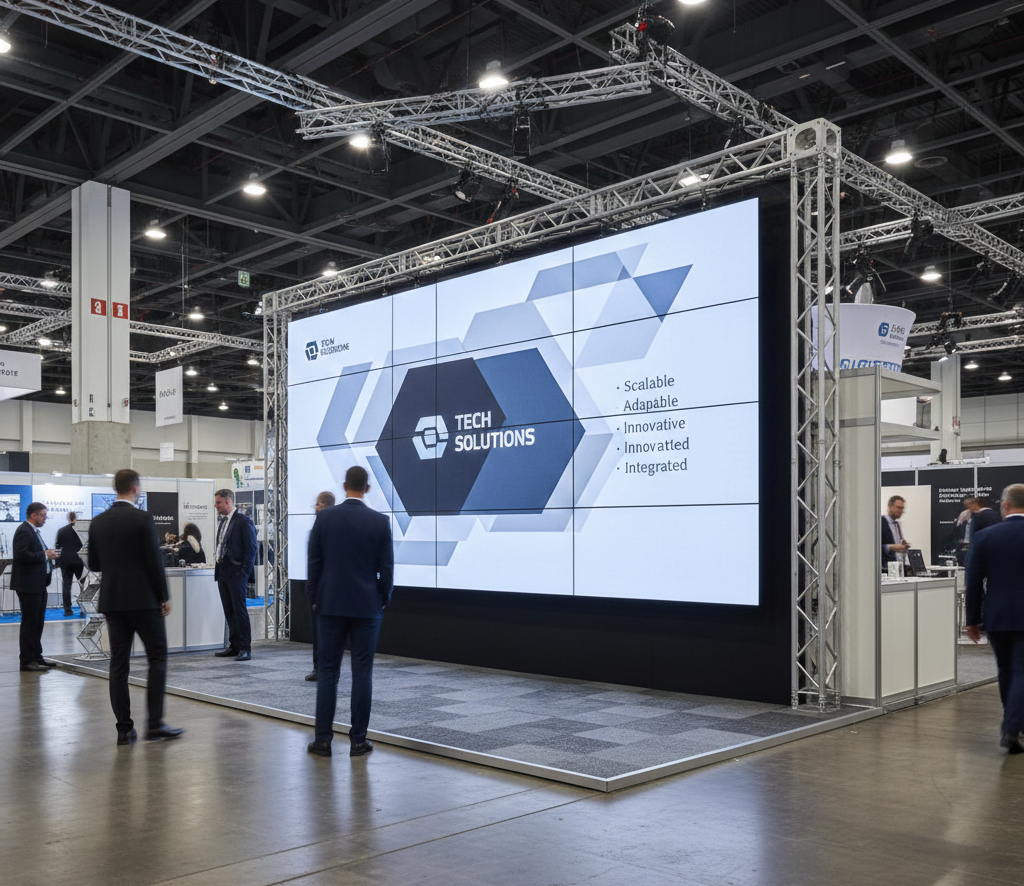
Trade shows in Dallas are defined by scale and constant change. Booth sizes vary, layouts shift, and venue rules evolve from show to show. Static backwalls and printed graphics often fail to keep pace, locking exhibitors into designs that no longer fit their strategy.
Modular LED wall designs allow exhibitors to resize and reconfigure displays without sacrificing visual impact or brand consistency.
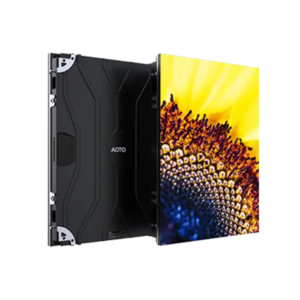
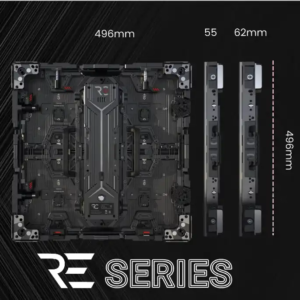
Modular LED walls are built from individual tiles, allowing precise control over size and aspect ratio. The same system can be used for a 10×20 booth at one show and expanded for a larger footprint at the next.
Why Static Displays Struggle in Dallas
Dallas venues frequently change booth orientation, height limits, and fire-marshal requirements. Printed displays require reprints and storage. LED walls adapt without additional production costs or delays.
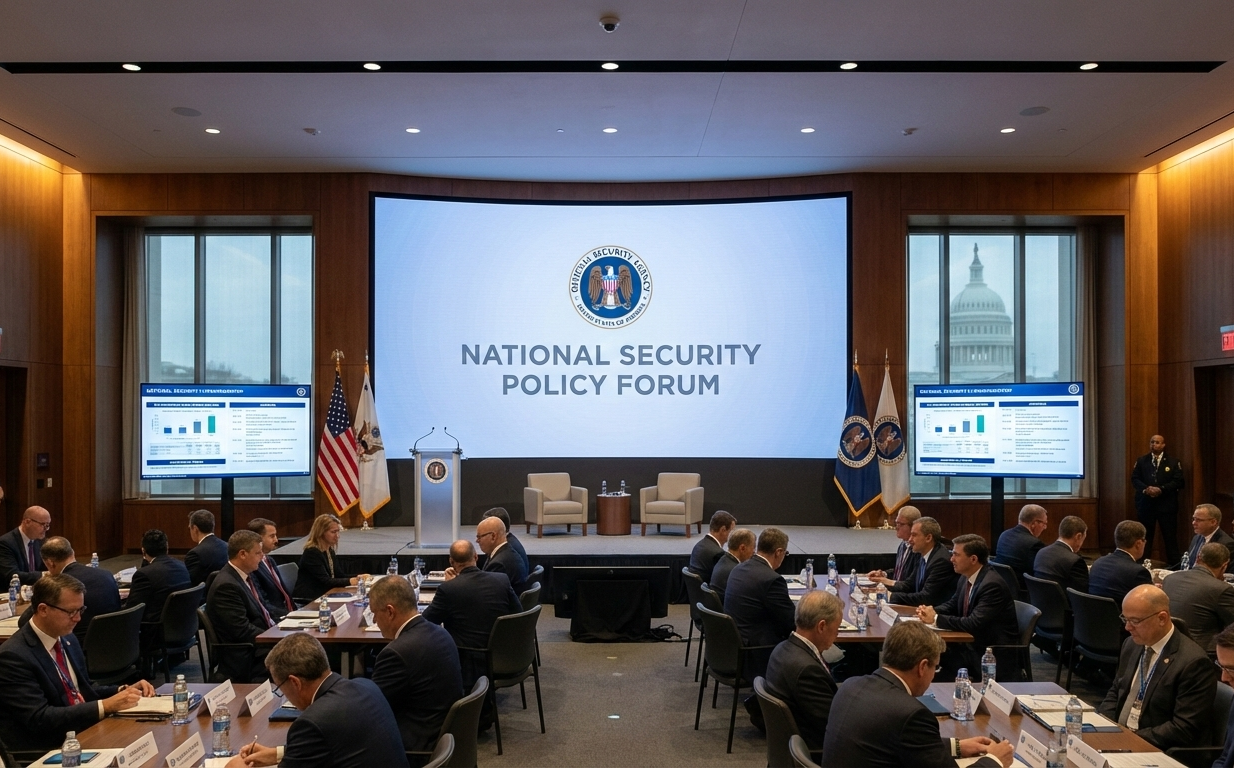
Events in Washington DC operate under stricter expectations than most major markets. Government briefings, policy conferences, and association events require precision, neutrality, and the ability to respond to last-minute content changes. Printed signage and traditional projection systems struggle in this environment, where messaging accuracy is critical and updates often happen hours before doors open.
LED walls have become a preferred solution for DC event planners who need flexibility without risk. They allow teams to maintain control over messaging, ensure visual consistency, and present information clearly in compliance-driven environments.
Policy-focused events often involve multiple stakeholders, legal review, and layered approvals. A single outdated slide or incorrect title can undermine credibility. LED walls allow planners to make immediate content changes without reprinting materials or disrupting the event flow.
How LED Walls Support Compliance-Driven Environments
Real-Time Content Updates
Speaker titles, disclaimers, schedules, and approved language can be updated onsite. LED walls eliminate the risk of displaying outdated or unapproved information.
Consistent Messaging Across Rooms
Centralized LED displays ensure that branding and language remain uniform across plenary sessions, breakout rooms, and press briefings.
Projection systems are sensitive to lighting, alignment, and room conditions. LED walls provide consistent brightness, eliminate shadows, and maintain visibility in brightly lit venues commonly used for federal and association events.
Where LED Walls Are Most Effective
Main session backdrops
Press briefing rooms
Registration and wayfinding areas
Sponsor recognition zone
Washington DC event AV support
Planning a government or policy event in Washington DC? AVR Expos designs LED wall solutions built for compliance-focused environments where accuracy and control matter.
https://www.avrexpos.com/wp-content/uploads/2026/01/Washington-DC-Event-Planners.webp7681365Nicholas Baadshaughttps://www.avrexpos.com/wp-content/uploads/2023/08/AVR-logo-1.webpNicholas Baadshaug2026-01-01 17:54:212026-01-07 13:51:32How Washington DC Event Planners Use LED Walls to Maintain Message Control
A trade show presentation zone is one of the most effective ways to drive engagement, demonstrate expertise, and convert foot traffic into qualified leads. Yet most exhibitors overlook it entirely. They rely on passive displays rather than crafting a space built for storytelling, product demos, or speaker-led mini-sessions. A well-designed presentation zone transforms a booth from a static display into a dynamic experience.
Whether you’re working with a 10×10, a 10×20, or a large island booth, the principles are the same: visibility, clarity, flow, and comfort. This guide breaks down exactly how to build a presentation zone that pulls attendees in and keeps them engaged.
Identify the Purpose of Your Presentation Zone
A presentation zone can serve multiple functions:
Product education
Expert talks
Customer testimonials
Training modules
Software walk-throughs
Define the core purpose before designing anything.
Choose the Right Display Type
Option 1: Large Monitor
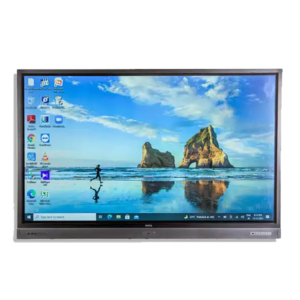
A 75–98 inch display is ideal for smaller booths.
Option 2: LED Wall
Best for high-impact visuals and larger crowds.
Option 3: Touchscreen
Allows interactive demos and audience participation.
Plan Seating and Standing Areas
For small booths:
Use standing zones
Eliminate chairs to reduce clutter
For larger booths:
Bar stools
Benches
Modular seating
Keep sightlines clear.
Audio Strategy for Presentation Zones
Use directional speakers
These reduce noise spill into aisles.
Choose the right microphone
Handheld for Q&A
Headset for mobile presenters
Lavalier for multi-step demos
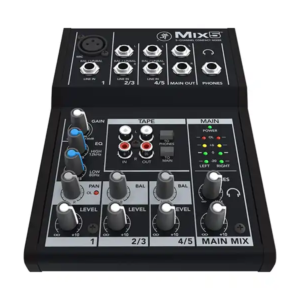
Mixing and control
Use a small digital mixer for flexibility.
Lighting Considerations
Use:
Soft white LED lighting
Spotlights on presenters
Accent lighting around the display
Avoid harsh overhead light that washes out visuals.
Content Structure
Short, punchy segments work best:
2–3 minute intros
5–8 minute demos
2 minute Q&A
Long presentations lose foot traffic.
Use Signage to Promote Your Presentation Schedule
Add:
Vertical screens with schedule loops
QR codes for reminders
Digital timers for countdown
FAQs
Q1: How many presentations should I run per hour?
One every 20–30 minutes keeps your booth active without overwhelming staff.
Q2: Does a presentation zone require extra AV?
Often just a display, mic, and small mixer — cost-efficient and high-impact.
Q3: Can AVR Expos build my entire presentation zone?
Yes, including monitors, LED walls, audio, lighting, and tech support.
https://www.avrexpos.com/wp-content/uploads/2025/12/Gemini_Generated_Image_7xomk37xomk37xom.png10241024Nicholas Baadshaughttps://www.avrexpos.com/wp-content/uploads/2023/08/AVR-logo-1.webpNicholas Baadshaug2025-12-14 09:44:282026-01-02 20:26:37How to Build a High-Impact Presentation Zone Inside Any Trade Show Booth
Product demos are the heartbeat of most trade show booths. They convince attendees, differentiate brands, and communicate value faster than anything else. But exhibitors today are split between two dominant demo strategies: digital and physical. Some rely heavily on technology-driven experiences, while others showcase real products on tables or stands. The truth is, neither approach is universally better — but each carries specific strengths, limitations, and ideal use cases.
This blog breaks down the differences between digital and physical demos, explains when each works best, and shows how exhibitors can combine both for maximum impact.
Is the product complex or multi-layered? Use both.
FAQs
Q1: Which type of demo attracts more people?
Digital demos attract from the aisle; physical demos convert interest into trust.
Q2: Are digital demos expensive to build?
Not with prebuilt templates and existing content assets.
Q3: Can AVR Expos support hybrid demo setups?
Yes — we provide touchscreens, LED walls, monitors, and full booth AV integration.
https://www.avrexpos.com/wp-content/uploads/2025/12/Gemini_Generated_Image_4w40np4w40np4w40.png7681408Nicholas Baadshaughttps://www.avrexpos.com/wp-content/uploads/2023/08/AVR-logo-1.webpNicholas Baadshaug2025-12-10 06:34:432026-01-13 17:32:56Digital vs. Physical Product Demos: Which Works Better at Trade Shows?
Trade show budgets get eaten alive by logistics, freight, labor, and booth construction long before AV even enters the conversation. Yet AV is the one category exhibitors consistently overspend on — not because good AV is expensive, but because poor planning creates waste. You don’t have to cut quality to cut costs. The smartest exhibitors reduce their AV bill by making informed decisions, eliminating unnecessary rentals, and optimizing for what actually affects attendee engagement.
This guide breaks down where trade show AV dollars get wasted and how to redirect your budget toward equipment and services that produce results. Whether you’re working with LED walls, monitors, projectors, audio, or interactive displays, these principles will help you control costs while maintaining a polished, professional booth.
Start With the Real Goal of Your Booth
Most exhibitors assume they need AV because “everyone else has it.” That’s how costs spiral. Instead, clearly define what AV must accomplish:
Common booth goals
Attract attendees from the aisle
Present a clear message
Support demos or presentations
Capture leads
Educate prospects quickly
If a piece of AV doesn’t contribute directly to these goals, it’s a candidate for removal or reconfiguration.
Avoid the Most Common AV Budget Mistakes
Mistake 1: Renting too many displays
More screens does not equal more engagement. One well-placed large display often outperforms three smaller ones.
Mistake 2: Choosing equipment based on “what you used last year”
Your booth design, goals, and layout may have changed. Review AV needs from scratch.
Mistake 3: Over-ordering cables, stands, and accessories
These small line items add up quickly. Always ask your AV provider what is actually required.
Use Fewer But Larger Displays
Instead of multiple smaller screens, consider one impactful display. It increases visibility while reducing cost.
Cost-efficient options:
One 75–98 inch commercial monitor
A mid-size LED wall replacing several printed graphics
A touchscreen replacing multiple laptops
This creates focus and reduces clutter.
Replace Printed Graphics With Digital Content
Printed graphics seem cheaper but add costs over time:
Print fees
Reprints from damage
Shipping and drayage
Storage
Redesign every year
Digital content eliminates all of this and can be updated instantly.
Use Touchscreens for Multi-Purpose Functionality
A single touchscreen can replace:
Multiple demo laptops
Printed brochures
Spec sheets
Looping monitors
You reduce shipping, equipment count, and setup time — while increasing engagement.
Plan Your Power Needs in Advance
Ordering power onsite at a convention center is extremely expensive. Exhibitors routinely overspend due to:
Miscalculating amperage
Over-requesting circuits
Ordering power drops in the wrong location
Ask your AV provider for exact amperage requirements. A correct plan eliminates hundreds in last-minute fees.
Choose Ground Support Over Rigging When Possible
Rigging (hanging equipment from ceilings) is one of the highest labor costs at major convention centers.
Switching to ground-supported structures:
Eliminates rigging labor
Cuts union costs
Speeds up installation
Reduces failure risk
Avoid Venue-Owned AV When You Have a Choice
In-house AV departments charge:
Higher equipment rates
Higher labor rates
Mandatory service fees
Independent AV providers like AVR Expos often deliver:
Newer gear
Lower pricing
Dedicated technicians
Better flexibility
Always compare quotes before signing a venue AV contract.
Consolidate AV Rentals With One Provider
Using multiple vendors increases:
Delivery fees
Drayage
Coordination time
Risk of incompatibility
A single AV partner can bundle:
LED walls
Monitors
Audio
Projectors
Touchscreens
Cables and accessories
This significantly reduces costs and simplifies communication.
FAQs
Q1: What is the biggest AV expense exhibitors underestimate?
Rigging and venue power — both cost far more onsite than expected.
Q2: Does reducing AV equipment harm booth engagement?
Not when done strategically. One well-placed display often outperforms several smaller ones.
Q3: Can AVR Expos help optimize my AV budget?
Yes — we design cost-efficient packages tailored to your booth goals.
https://www.avrexpos.com/wp-content/uploads/2025/12/Gemini_Generated_Image_ep7wbdep7wbdep7w.png7681408Nicholas Baadshaughttps://www.avrexpos.com/wp-content/uploads/2023/08/AVR-logo-1.webpNicholas Baadshaug2025-12-08 06:21:012025-12-14 06:22:25How to Reduce AV Costs at Trade Shows Without Sacrificing Quality
We may request cookies to be set on your device. We use cookies to let us know when you visit our websites, how you interact with us, to enrich your user experience, and to customize your relationship with our website.
Click on the different category headings to find out more. You can also change some of your preferences. Note that blocking some types of cookies may impact your experience on our websites and the services we are able to offer.
Essential Website Cookies
These cookies are strictly necessary to provide you with services available through our website and to use some of its features.
Because these cookies are strictly necessary to deliver the website, refusing them will have impact how our site functions. You always can block or delete cookies by changing your browser settings and force blocking all cookies on this website. But this will always prompt you to accept/refuse cookies when revisiting our site.
We fully respect if you want to refuse cookies but to avoid asking you again and again kindly allow us to store a cookie for that. You are free to opt out any time or opt in for other cookies to get a better experience. If you refuse cookies we will remove all set cookies in our domain.
We provide you with a list of stored cookies on your computer in our domain so you can check what we stored. Due to security reasons we are not able to show or modify cookies from other domains. You can check these in your browser security settings.
Google Analytics Cookies
These cookies collect information that is used either in aggregate form to help us understand how our website is being used or how effective our marketing campaigns are, or to help us customize our website and application for you in order to enhance your experience.
If you do not want that we track your visit to our site you can disable tracking in your browser here:
Other external services
We also use different external services like Google Webfonts, Google Maps, and external Video providers. Since these providers may collect personal data like your IP address we allow you to block them here. Please be aware that this might heavily reduce the functionality and appearance of our site. Changes will take effect once you reload the page.
Google Webfont Settings:
Google Map Settings:
Google reCaptcha Settings:
Vimeo and Youtube video embeds:
Other cookies
The following cookies are also needed - You can choose if you want to allow them:
Privacy Policy
You can read about our cookies and privacy settings in detail on our Privacy Policy Page.