How Visual Presentation Strategy Improves Corporate Events in Atlanta
Corporate events are designed to communicate ideas, share information, strengthen business relationships, and inspire audiences. However, even the most valuable content can lose its impact if attendees struggle to see, understand, or engage with the presentation.
In today’s fast-paced business environment, audience attention is harder to capture than ever. Corporate event organizers in Atlanta must compete with distractions while maintaining professional presentation standards that reflect their brand and message.
This is where visual presentation strategy becomes essential. By carefully planning how information is displayed and delivered, organizations can improve communication, increase audience engagement, and create more memorable event experiences. From LED displays and content design to audience sightlines and AV integration, a strong visual strategy helps ensure every attendee receives the intended message clearly and effectively.
What Visual Presentation Strategy Includes
Visual presentation strategy involves planning every visual element of an event to maximize communication and audience engagement.
Rather than simply placing screens around a venue, organizers must consider how attendees will consume information throughout the event.
A comprehensive visual presentation strategy typically includes:
- Display selection and placement
- Screen sizing and visibility planning
- Presentation design and branding
- Video content integration
- Audience sightline analysis
- Lighting considerations
- Visual storytelling techniques
- Audio-visual synchronization
When these elements work together, presentations become more impactful and easier for audiences to understand.
Why Large Visual Systems Matter
Corporate events often take place in ballrooms, conference centers, hotels, and convention venues where visibility can become a challenge.
Attendees seated at the back of a room may struggle to see presentation details if display systems are undersized or improperly positioned. This can reduce engagement and make it difficult for audiences to follow key information.
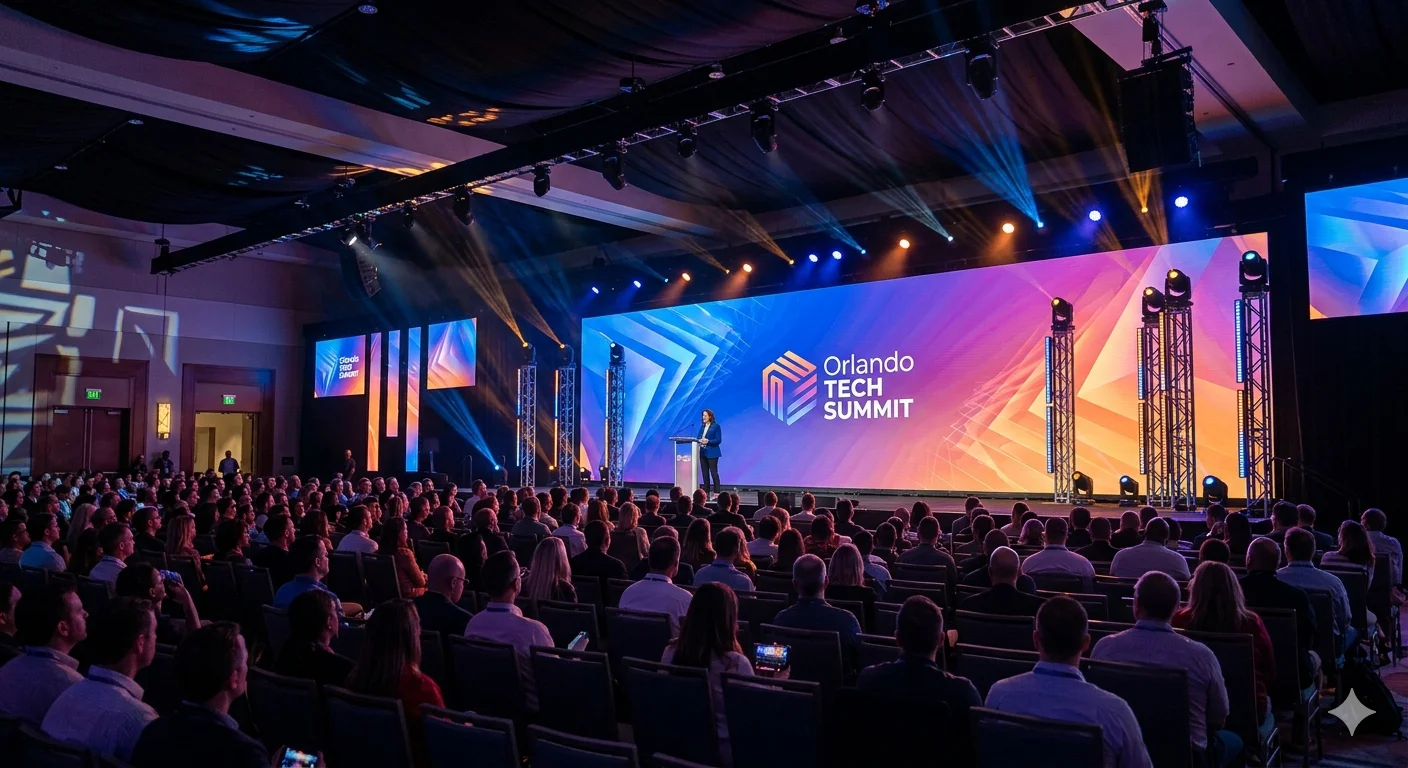
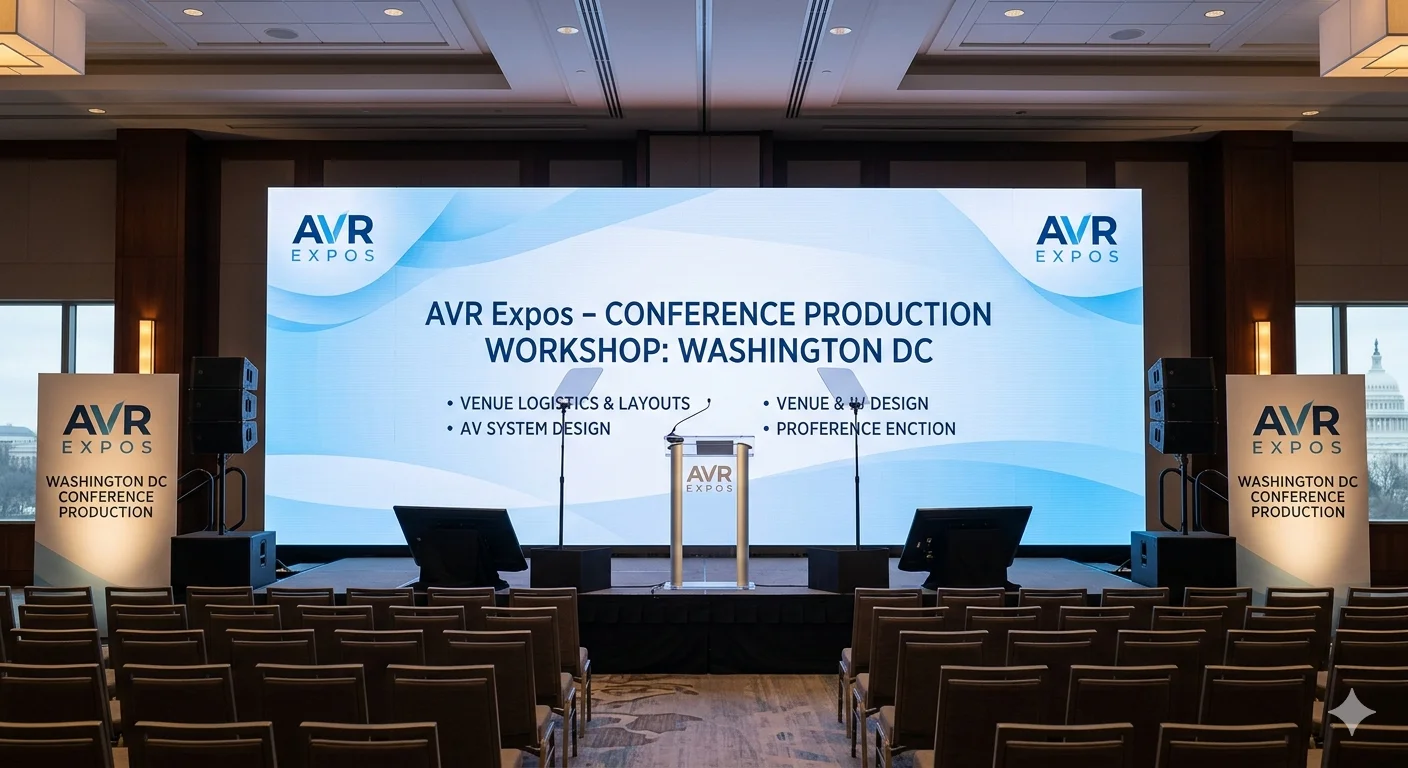
Many organizations use large-format LED display systems to ensure content remains visible from every section of the venue.
Benefits of large visual systems include:
- Improved audience visibility
- Better content readability
- Greater presentation impact
- Enhanced brand recognition
- Flexible display configurations
- High brightness in various lighting conditions
Large visual displays help create a professional atmosphere while ensuring important messages reach every attendee.
Content Design for Corporate Events
Even the most advanced display technology cannot compensate for poorly designed content. Effective visual communication begins with strategic content creation.
Corporate presentations should focus on clarity, simplicity, and audience comprehension.
Best practices include:
Using Clear Visual Hierarchy
Important information should stand out through size, placement, and design emphasis.
Limiting Text Density
Overcrowded slides can overwhelm audiences and reduce retention.
Incorporating Visual Storytelling
Images, graphics, and video content often communicate ideas more effectively than large blocks of text.
Maintaining Brand Consistency
Professional branding reinforces credibility and strengthens audience recognition.
Well-designed content helps attendees absorb information quickly and stay engaged throughout the event.
Audio and Visual Integration
Visual presentation strategy is most effective when supported by high-quality audio systems. Attendees must be able to both see and hear information clearly for communication to succeed.
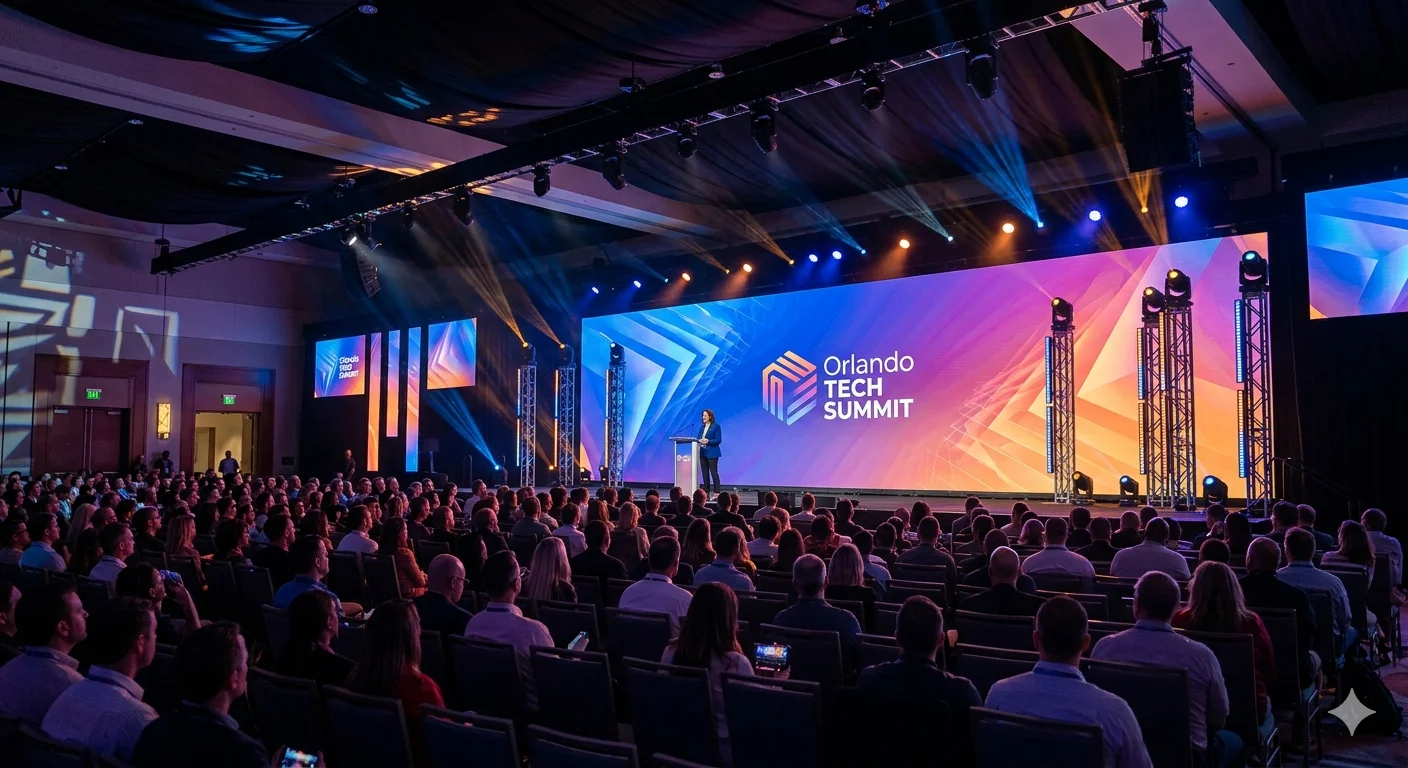
Organizations frequently invest in integrated corporate AV systems that combine audio, video, lighting, and presentation technologies into a seamless experience.
Integrated systems provide several advantages:
- Consistent message delivery
- Improved audience engagement
- Simplified event management
- Better presenter confidence
- Reduced technical complications
When audio and visual elements work together, presentations become more effective and easier for audiences to follow.
Audience Sightlines and Visibility
One of the most overlooked aspects of event planning is audience sightline analysis.
A presentation may look excellent from the front of the room but become difficult to view from side sections or rear seating areas.
Effective visual strategy considers:
- Room dimensions
- Seating arrangements
- Screen height
- Viewing angles
- Stage positioning
- Obstructions within the venue
By evaluating sightlines before the event, organizers can ensure every attendee has a clear view of presentation content.
Proper visibility planning helps create a more inclusive and engaging experience for all participants.
Atlanta Venue Considerations
Atlanta is home to a wide range of event venues, from luxury hotels and conference centers to convention halls and corporate meeting spaces.
Each venue presents unique visual communication challenges that require customized planning.
Professional Atlanta corporate AV services help event organizers evaluate venue layouts, select appropriate display technologies, and optimize presentation environments for maximum audience engagement.
Factors commonly considered include:
- Venue size and capacity
- Ceiling heights
- Lighting conditions
- Room configurations
- Audience distribution
- Technology infrastructure
Understanding venue-specific requirements helps organizations create more effective visual presentation strategies.
Visual Hierarchy and Information Retention
Attendees can only process a limited amount of information at one time. Visual hierarchy helps guide attention and improve comprehension by organizing content in a logical way.
Effective visual hierarchy uses:
- Size and scale
- Color contrast
- Strategic placement
- Typography
- Visual emphasis
When information is prioritized correctly, audiences can quickly identify key messages and retain important details.
Research consistently shows that people remember information more effectively when it is presented visually and organized clearly. This makes visual hierarchy an important component of successful corporate communication.
Common Presentation Strategy Mistakes
Many corporate events struggle with audience engagement because visual presentation planning is overlooked.
Common mistakes include:
Screens That Are Too Small
Insufficient display size limits visibility and reduces audience engagement.
Overloaded Presentation Slides
Too much text can distract attendees and make content difficult to follow.
Poor Display Placement
Improper positioning may block visibility for sections of the audience.
Lack of Audio-Visual Coordination
Disconnected systems can create communication challenges and technical issues.
Ignoring Venue Layout
Failing to account for room design can negatively impact attendee experiences.
Avoiding these mistakes helps organizations deliver more professional and effective presentations.
Why Atlanta Events Prioritize Visual Communication
Atlanta is a major business hub that hosts corporate meetings, leadership summits, training events, product launches, and industry conferences throughout the year.
With increasing competition for audience attention, organizations are placing greater emphasis on visual communication strategies that improve engagement and message delivery.
Effective visual presentation planning helps businesses:
- Communicate complex information clearly
- Increase audience participation
- Strengthen brand perception
- Improve information retention
- Deliver professional event experiences
As corporate events continue to evolve, visual communication has become a critical factor in event success.
Frequently Asked Questions
Why does visual presentation strategy matter?
Visual presentation strategy helps ensure audiences can clearly see, understand, and engage with event content. It improves communication effectiveness and overall attendee satisfaction.
What are the visibility benefits of LED displays?
LED displays offer exceptional brightness, clarity, scalability, and viewing angles, making them ideal for large corporate events and conference environments.
How can organizations improve presentation clarity?
Clear slide design, strong visual hierarchy, appropriate display sizing, and strategic content organization all contribute to improved presentation clarity.
Why is audio and visual integration important?
Integrated systems ensure that attendees receive information through synchronized audio and visual channels, improving comprehension and engagement.
What strategies improve audience retention?
Visual storytelling, interactive content, simplified messaging, audience-focused design, and high-quality AV systems can all improve information retention.
Build a Stronger Visual Presentation Strategy for Your Next Atlanta Event
A successful corporate event requires more than great content—it requires a strategic approach to how that content is delivered. By investing in visual presentation planning, organizations can improve audience engagement, enhance communication, and create more impactful event experiences.
Build a stronger visual presentation strategy for your next Atlanta corporate event with professional AV solutions designed to maximize visibility and audience engagement.