The AV Checklist Every Exhibitor Should Use Before Their Next Event
Even seasoned exhibitors forget critical AV details in the rush leading up to a show. Power locations, content formatting, cable lengths, backup devices, audio gain levels — one missing item can derail an entire booth experience. A structured checklist ensures every piece of your AV strategy is planned, tested, and ready long before the freight doors open.
This guide gives you the exact AV checklist professional exhibitors use to deliver flawless trade show experiences. Whether you’re running a small 10×10 or a massive island build, this checklist ensures nothing is missed.
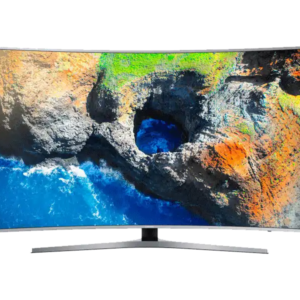
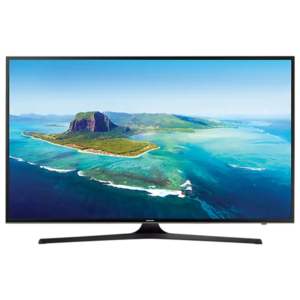
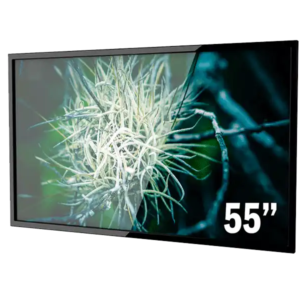
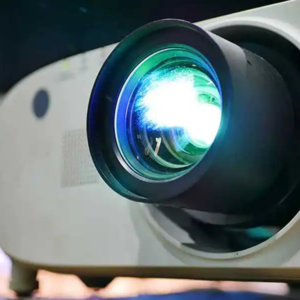
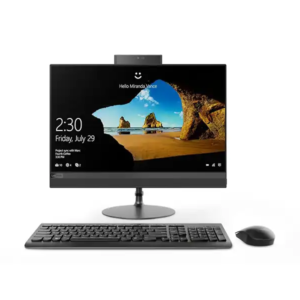
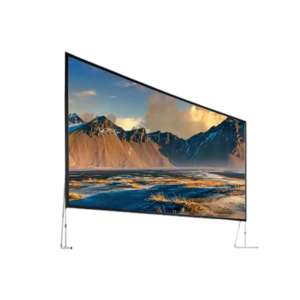
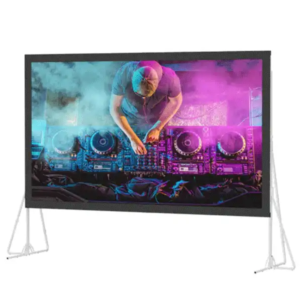
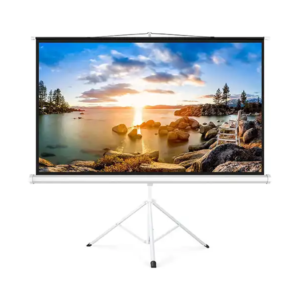
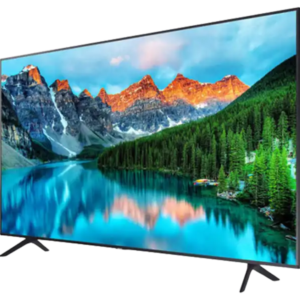
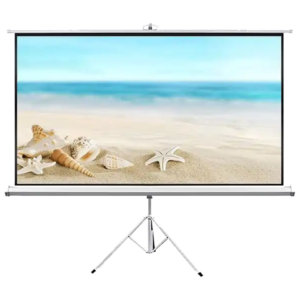
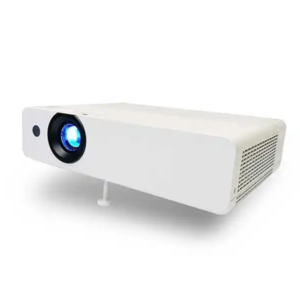
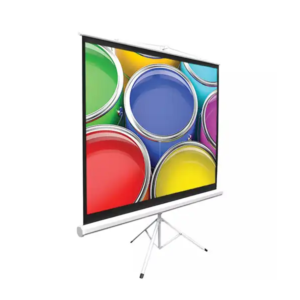
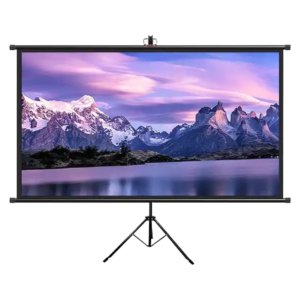
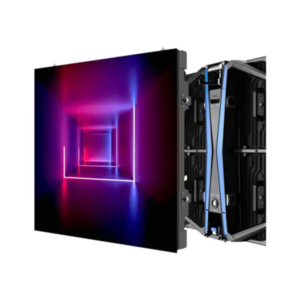
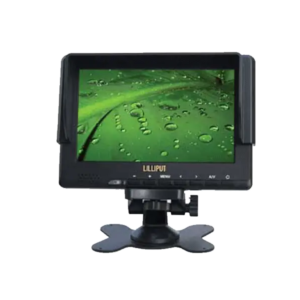
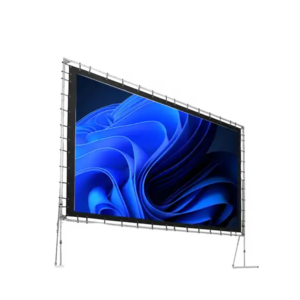
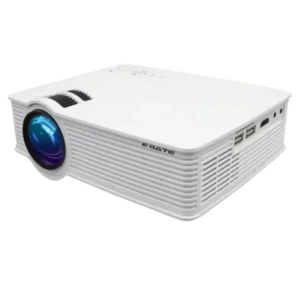
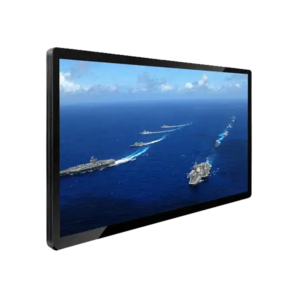
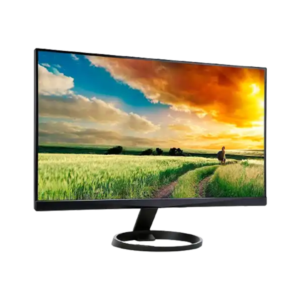
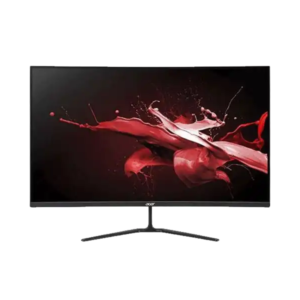
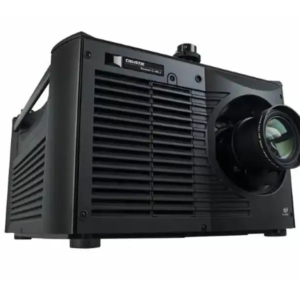
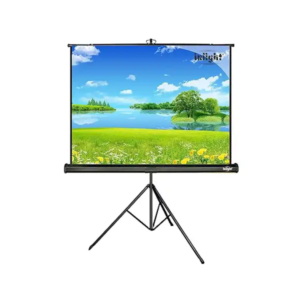
1.Confirm Your Display Strategy
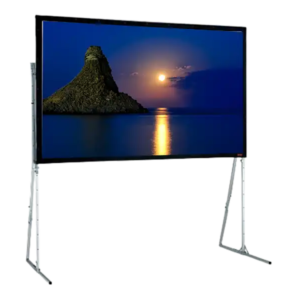
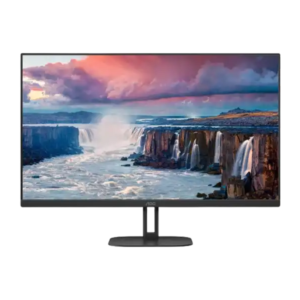
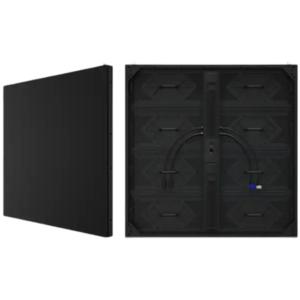
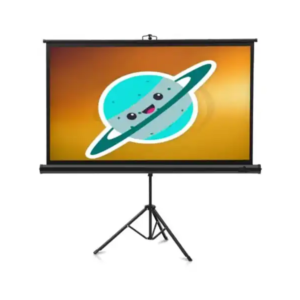
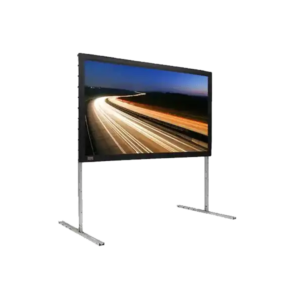
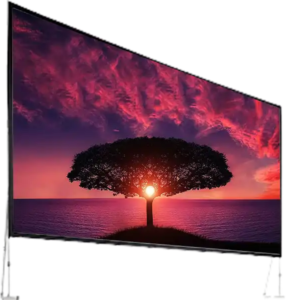
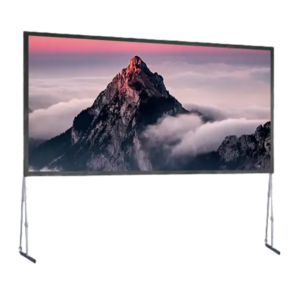
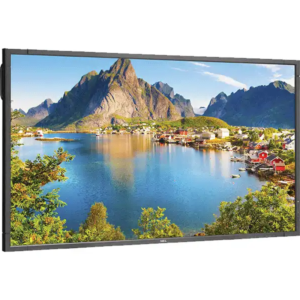
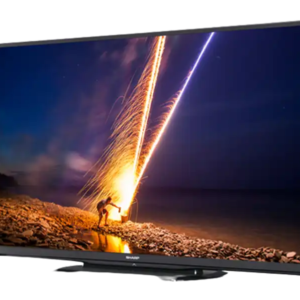
- Number of screens
- Sizes
- Orientation (vertical or horizontal)
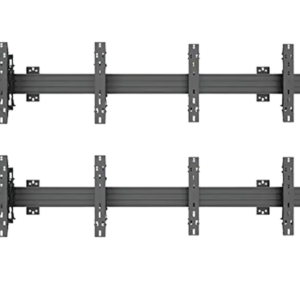
- Mounting method
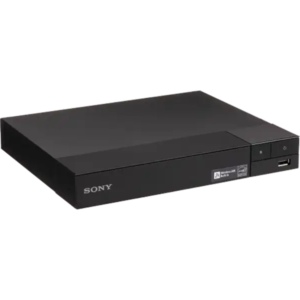
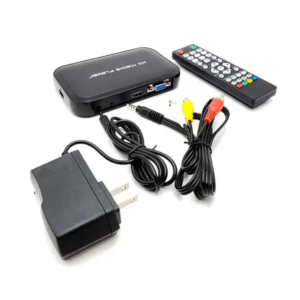
- Playback source (laptop, media player, USB)
2.Verify Content Requirements
- Resolution matches screen size
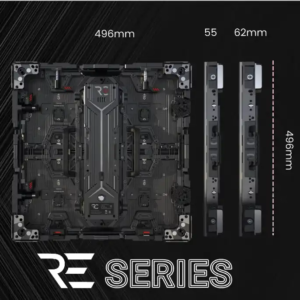
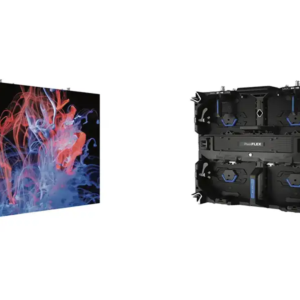
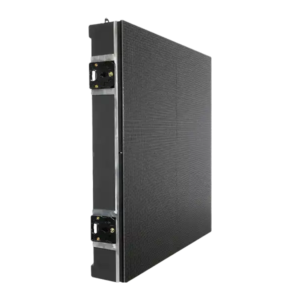
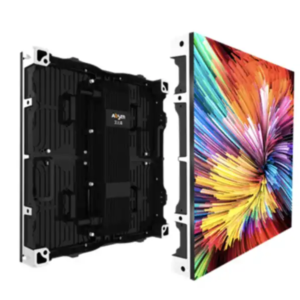
- LED content built to exact pixel count
- Looping videos under 30 seconds
- Backup USB copies
- Offline versions for poor internet
- Correct aspect ratio (16:9 or custom LED)
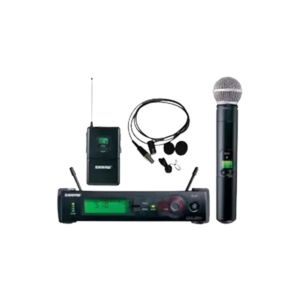
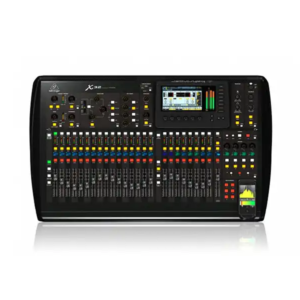
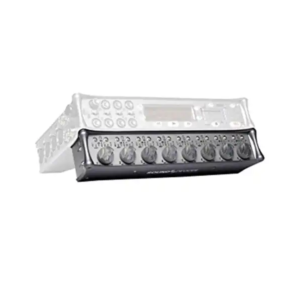
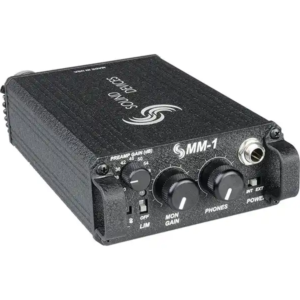
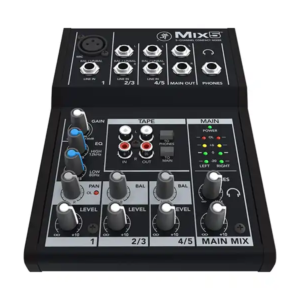
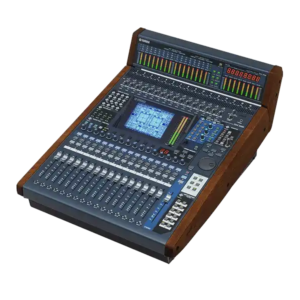
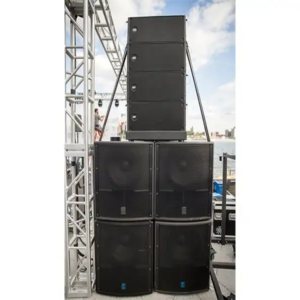
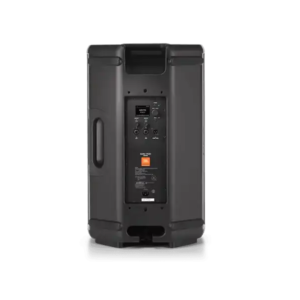
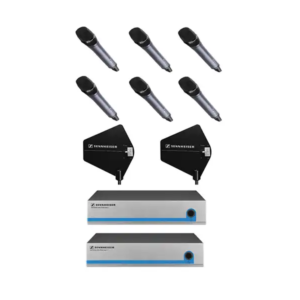
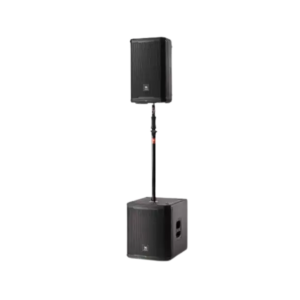
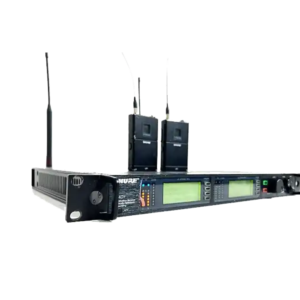
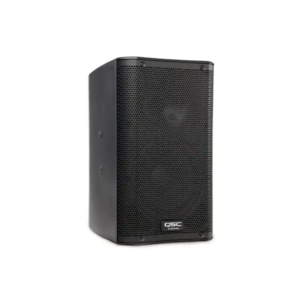
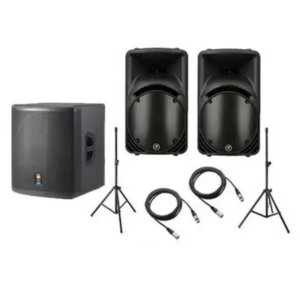
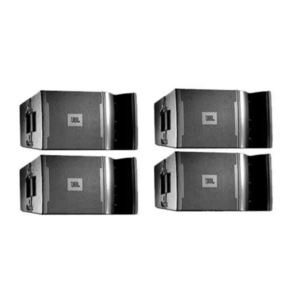
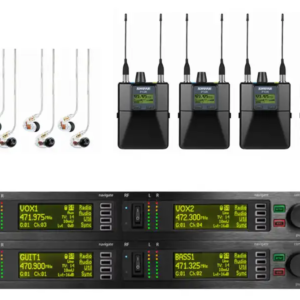
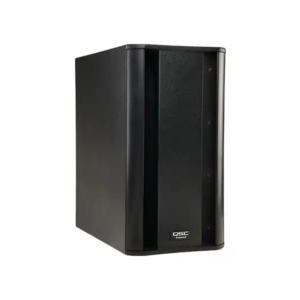
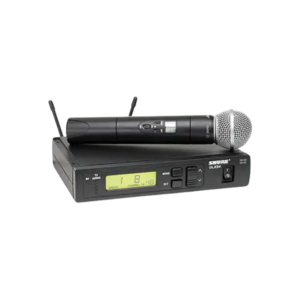
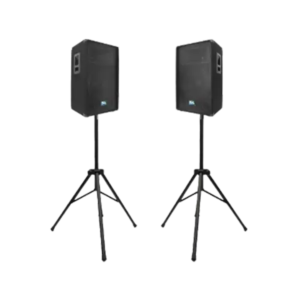
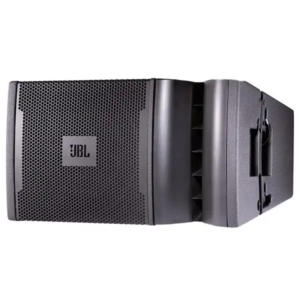
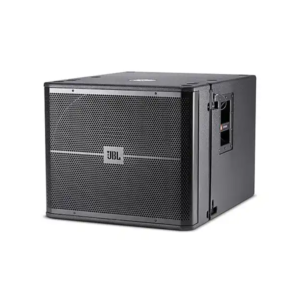
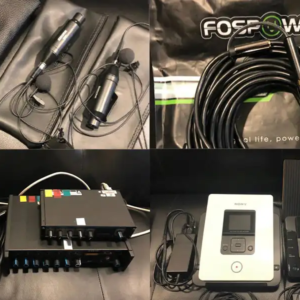
3.Plan Your Audio Setup
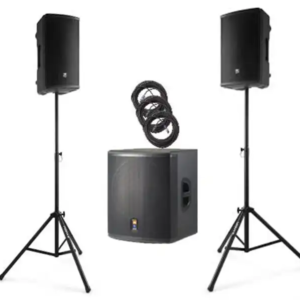
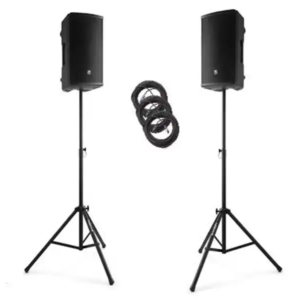
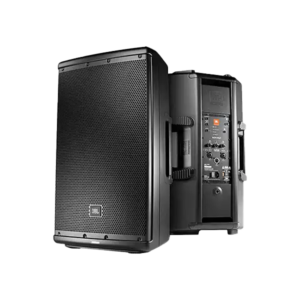
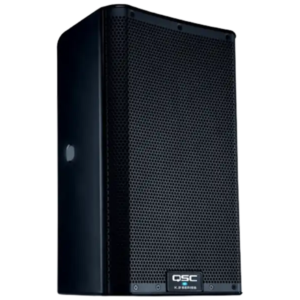
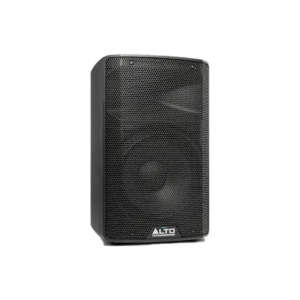
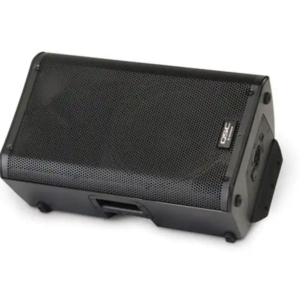
- Speaker type and quantity
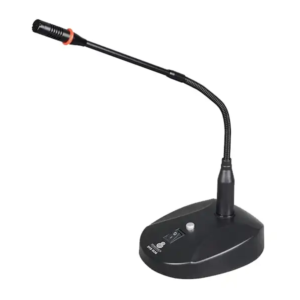
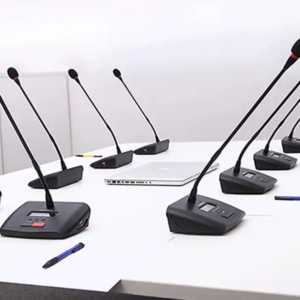
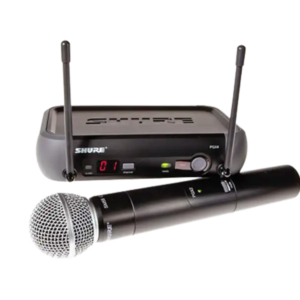
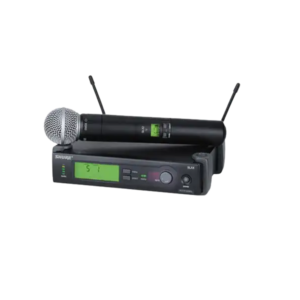
- Microphone style
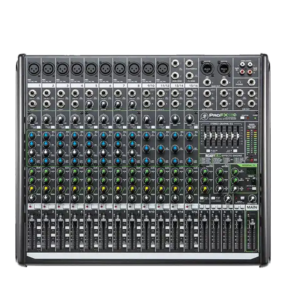
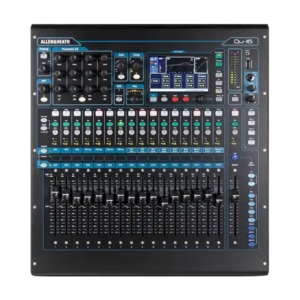
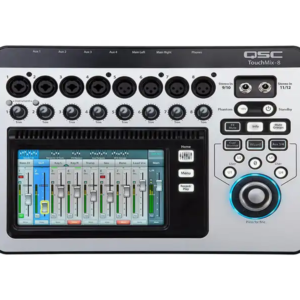
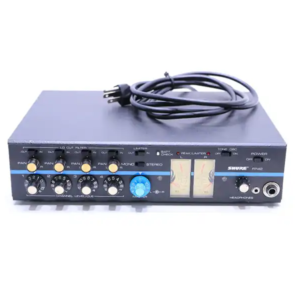
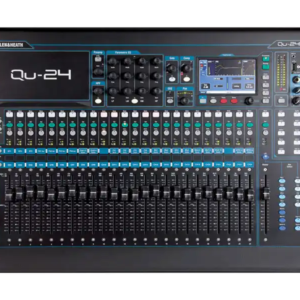
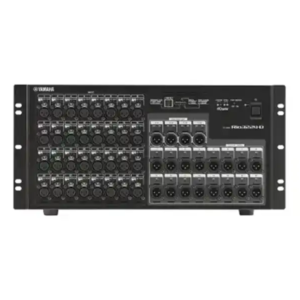
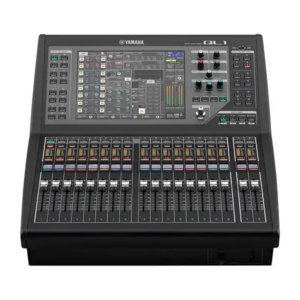
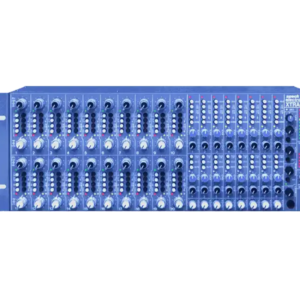
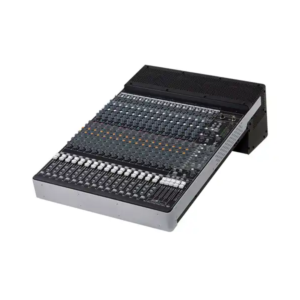
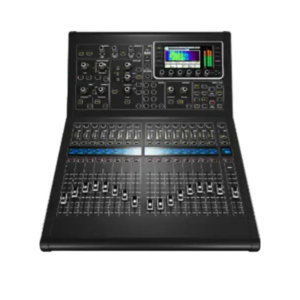
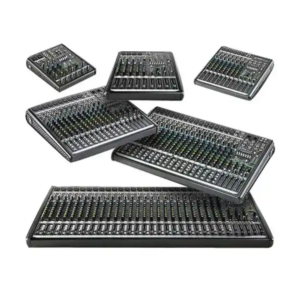
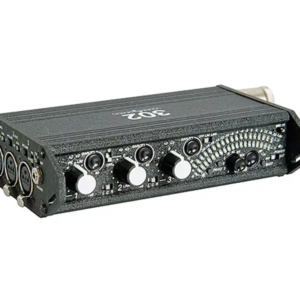
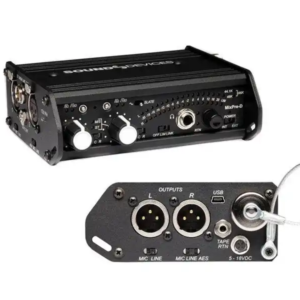
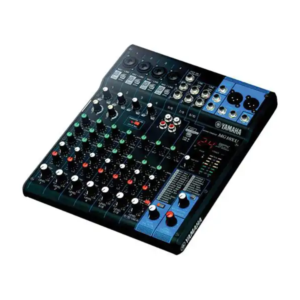
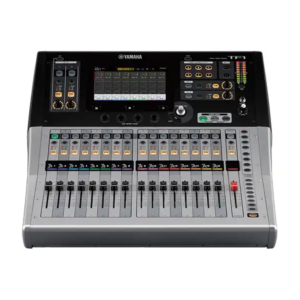
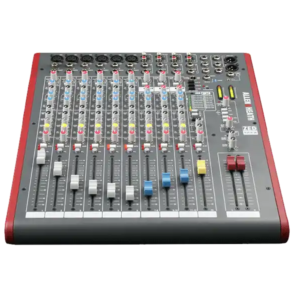
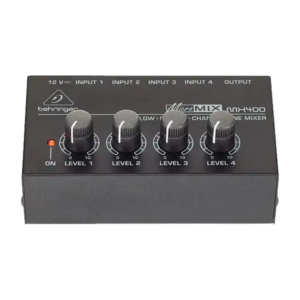
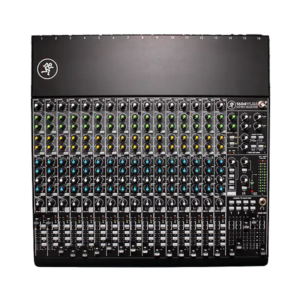
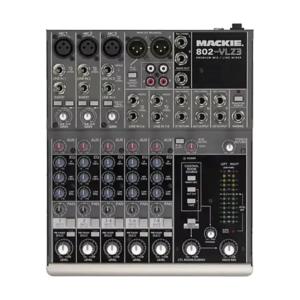
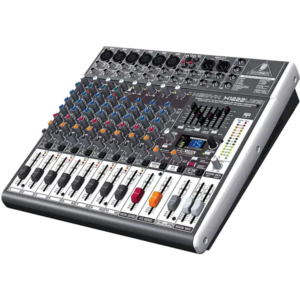
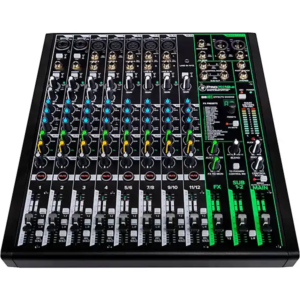
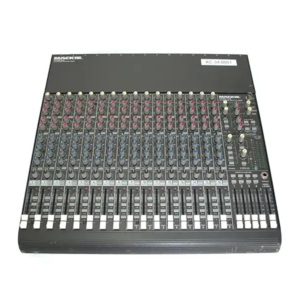
- Mixer or audio controller
- Directional speaker placement
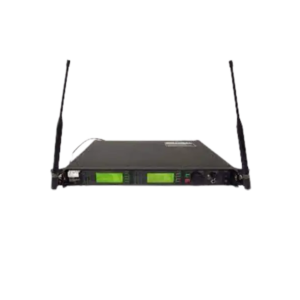
- Wireless frequency plan
- Extra batteries for mics
4.Handle Power and Electrical Early
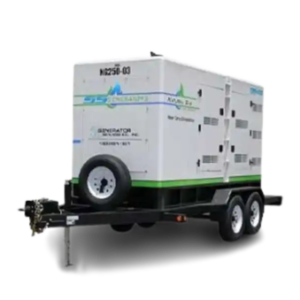
- Total amperage required
- Number of outlets
- Power drop placement
- Backup power strip
- Surge protection
- Avoiding last-minute power orders
5.Cable Management and Safety
- Cable length
- Velcro ties
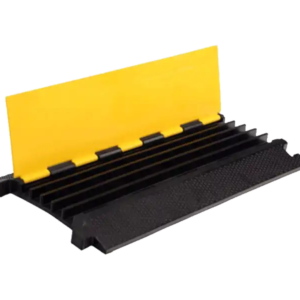
- Floor ramps
- Hidden routing paths
- Gaffer tape
- Labeling each cable
6.Backups and Redundancy
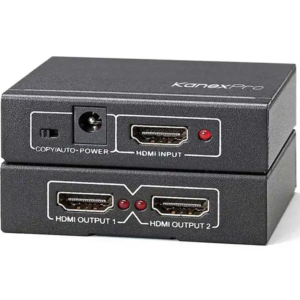
- Spare HDMI
- Backup laptop or media player
- Extra USB with content
- Backup power strip
- Redundant playback path
7.Onsite Testing Checklist
- Audio levels
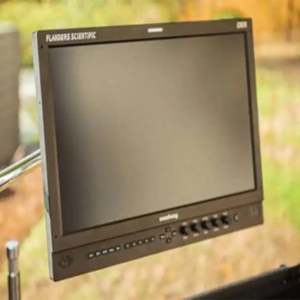
- Screen brightness
- Content playback
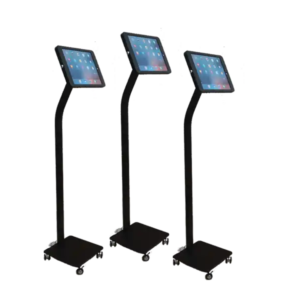
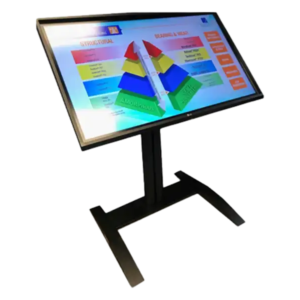
- Touchscreen calibration
- LED color balance
- Wireless mic scan
- Presenter walk-through
Conclusion
A well-prepared AV checklist helps eliminate last-minute surprises and ensures your trade show booth is ready to perform from the moment the doors open. By verifying your displays, content, audio, power, cabling, backup equipment, and on-site testing in advance, you can reduce technical risks and create a smooth, professional experience for every visitor. Careful preparation not only protects your investment but also helps your team focus on engaging attendees and generating valuable business opportunities. Avrexpos
FAQs
Q1: When should I finalize AV for a trade show?
At least 30 days out to avoid rush fees and availability issues.
Q2: Should I bring my own cables or rely on rentals?
Always bring spare HDMI and power options — they’re cheap insurance.
Q3: Do all booths require audio?
No, but even simple demo areas benefit from controlled sound reinforcement.