How AV Wayfinding Improves Attendee Flow at Large Conferences
Large conferences in Orlando often span multiple halls, ballrooms, and breakout spaces. Without clear navigation, attendees become frustrated, miss sessions, and disengage. AV-driven wayfinding solves this problem visually and intuitively.
What Is AV Wayfinding
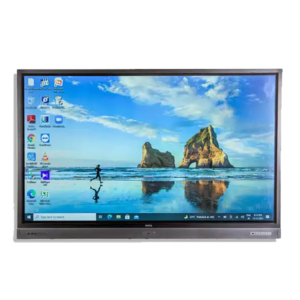
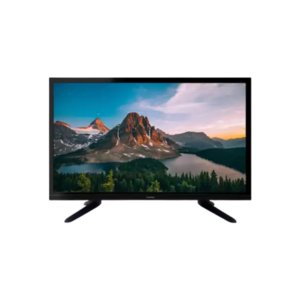
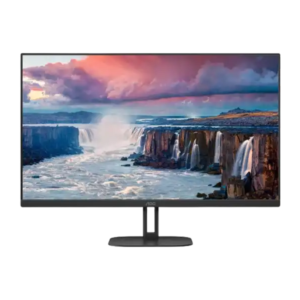
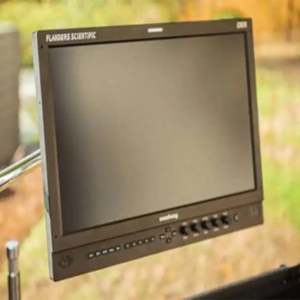
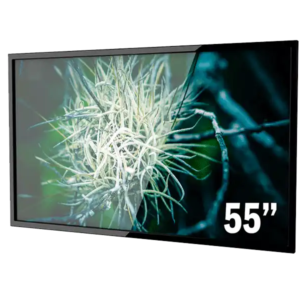
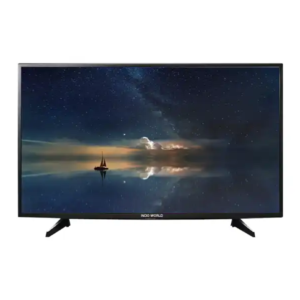
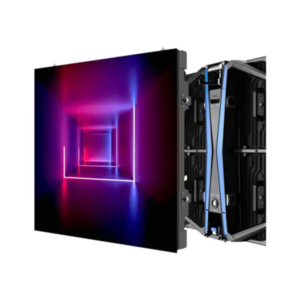
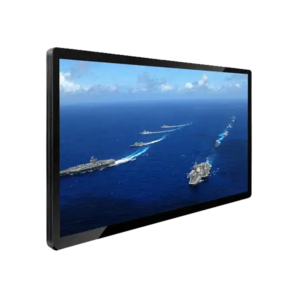
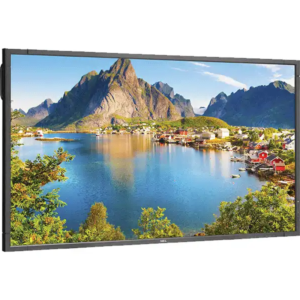
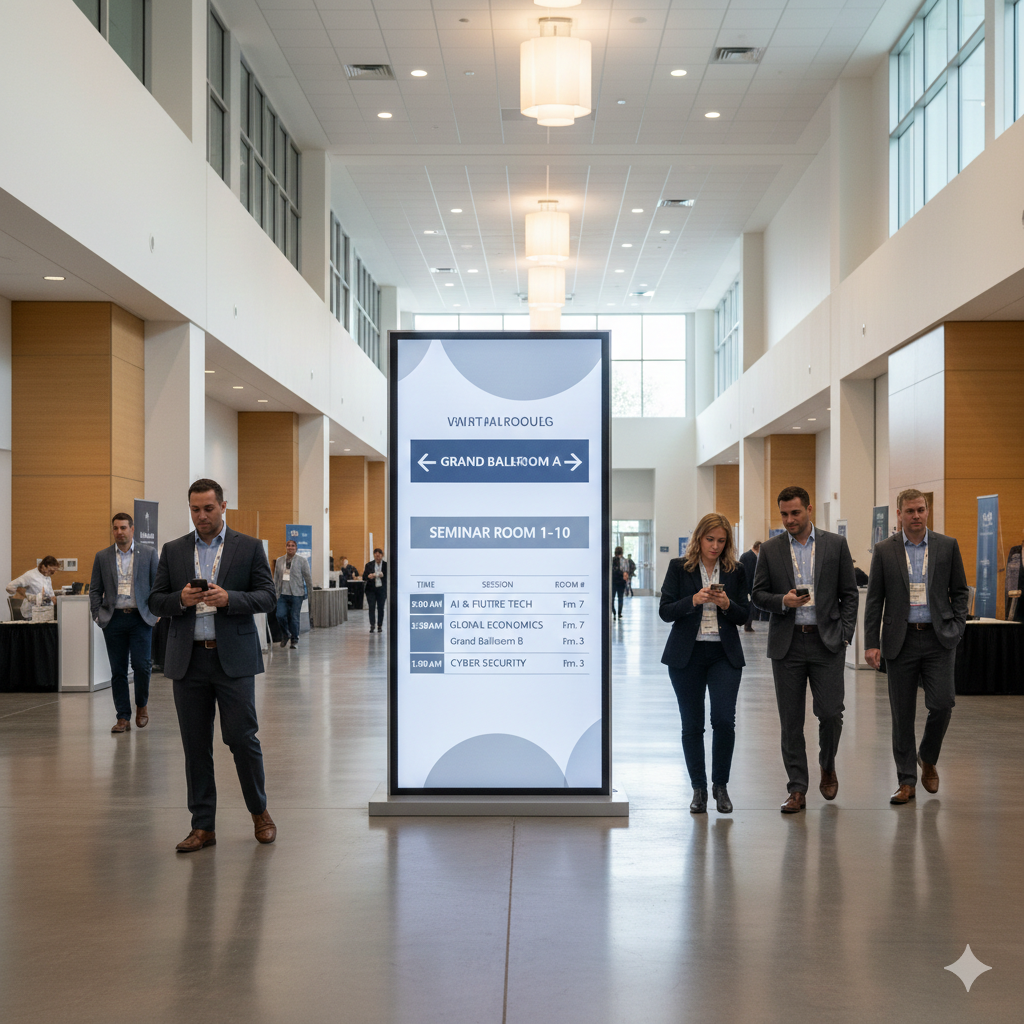
AV wayfinding uses displays and interactive touchpoints to guide attendees in real time.
Common tools include:
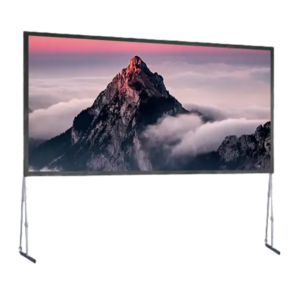
- Digital directories
- Schedule screens
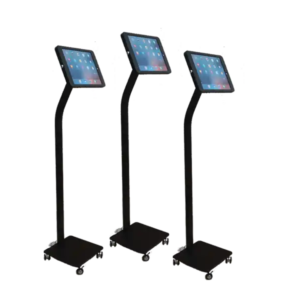
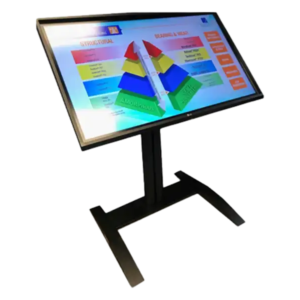
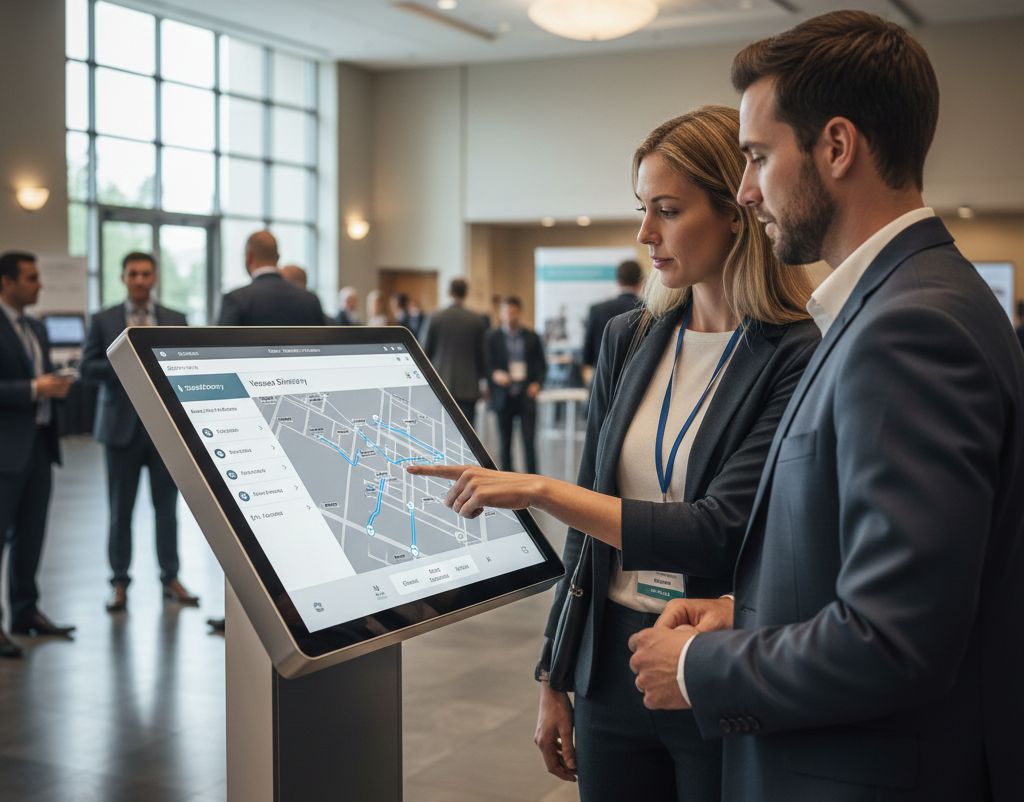
- Interactive touchscreen maps
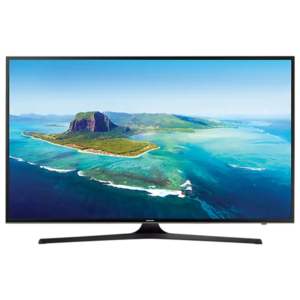
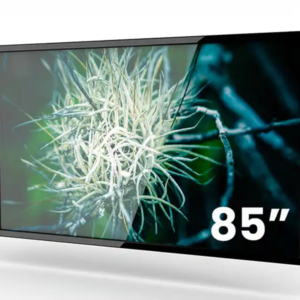
Learn more about touchscreen display rentals for events
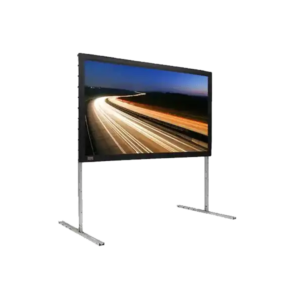
Where Wayfinding Displays Work Best
Entry Points
Large displays at entrances reduce confusion immediately.
Session Clusters
Screens near session rooms reinforce schedules and room changes.
Exhibit Halls
Wayfinding prevents aisle congestion and improves booth traffic.
Content Design for Wayfinding
Effective wayfinding content uses:
- High-contrast colors
- Large typography
- Simple iconography
- Minimal animation
Power and Network Considerations
Use local playback and avoid network dependence when possible.
If you’re planning a large Orlando conference and need wayfinding AV support, start with the right display strategy.
Conclusion
AV wayfinding systems make large conferences easier to navigate by providing attendees with clear, real-time directions and event information. Strategically placed digital displays, interactive touchscreens, and schedule screens help reduce confusion, improve attendee flow, and ensure guests can quickly find sessions, exhibitors, and meeting spaces. With the right wayfinding strategy, event organizers can enhance the overall attendee experience while creating a more organized and efficient conference environment.
Frequently Asked Questions
What is AV wayfinding?
AV wayfinding uses digital displays, interactive touchscreens, and electronic signage to help attendees navigate conference venues, locate sessions, find exhibitors, and access real-time event information.
Why is digital wayfinding important for large conferences?
Digital wayfinding reduces attendee confusion, improves traffic flow, minimizes missed sessions, and enhances the overall event experience by providing clear, up-to-date navigation.
Where should wayfinding displays be placed?
The most effective locations include venue entrances, registration areas, hallway intersections, breakout room entrances, exhibit halls, elevators, and other high-traffic areas.
What information can digital wayfinding displays show?
They can display event schedules, room assignments, interactive venue maps, exhibitor directories, sponsor messages, announcements, and real-time schedule updates.
Can touchscreen kiosks improve conference navigation?
Yes. Interactive touchscreen kiosks allow attendees to search for sessions, locate exhibitors, view venue maps, and quickly access personalized event information.