
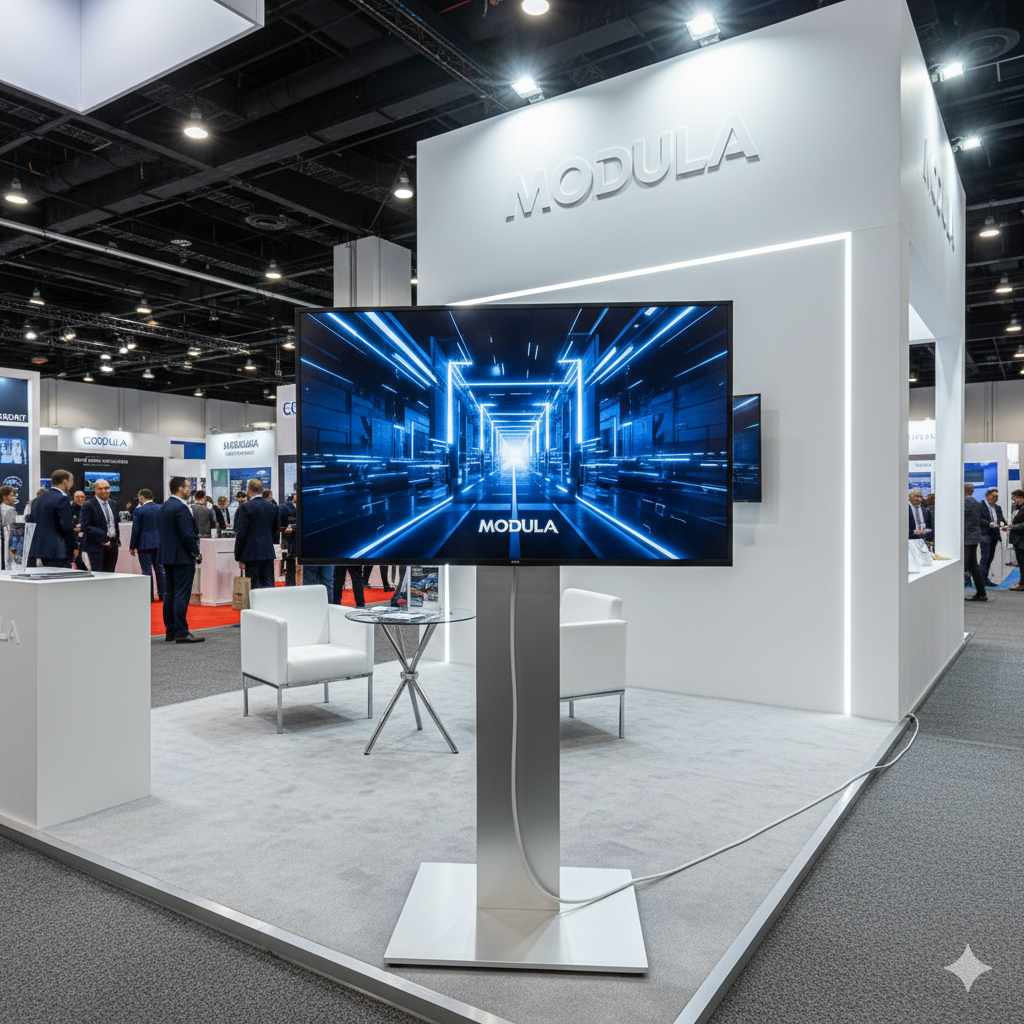
How to Choose the Right Monitor Size for Your Trade Show Booth
Choosing the right monitor size for your trade show booth seems straightforward until you start planning. Exhibitors often discover too late that their screen is too small to be seen from the aisle or too large and overpowering for their booth layout. Screen size affects how attendees interact with your booth, how your content displays, and ultimately how your brand is perceived on the show floor.
This guide breaks down exactly how to pick the right monitor size for any booth layout, whether it’s a 10×10, 10×20, or island configuration.
The Monitor Sizing Formula
A simple rule used by professional AV installers is:
Viewing distance ÷ 1.5 = minimum diagonal size.
Examples:
- Viewers 6 feet away → 40–50-inch monitor minimum
- Viewers 9 feet away → 65-inch monitor minimum
- Viewers 12 feet away → 75–98-inch monitor ideal
Trade shows are busy, with visual clutter everywhere, so it’s usually better to err on the larger side.
Sizing Recommendations by Booth Type
10×10 Booth
- One 55–65-inch screen as the main visual
- Optional small touchscreen for lead capture or quick demos
- Avoid 75-inch displays unless the booth is extremely minimalistic and you have the wall space to support it
10×20 Booth
- Two 55–65-inch displays for dual-side engagement
- Or one 75–98-inch large display as the focal point
- This format is great for software demos, looping videos, and brand storytelling
Island Booth
Island booths offer more freedom and can support bolder AV choices.
Ideal sizes:
- 65–98-inch screens on multiple sides
- Ultra-wide formats for immersive visuals
- Hanging displays or overhead screens if venue rules allow
Orientation Matters: Vertical vs. Horizontal
Vertical (Portrait) Screens
Vertical screens are ideal for:
- Digital posters
- Motion graphic branding
- Product feature highlights
- QR code callouts directing attendees to landing pages
Vertical content is highly effective at catching attention in crowded aisles because it behaves like a digital banner.
Horizontal (Landscape) Screens
Horizontal screens work best for:
- Promotional videos
- Software demos
- Training or walkthrough content
- Presentations or multi-input switching
Horizontal orientation is the safest default for most exhibitors because it aligns with how most content is produced.
When to Use Multiple Screens
Multiple monitors help control attendee flow and create separate experience zones within your booth.
Good use cases:
- Left and right side aisles
- Dedicated product or solution zones
- Demo stations for independent browsing
- Reception or check-in areas
- Multi-person presentations or training sessions
If you’re using more than one screen, make sure your content strategy is consistent and intentional. Each display should serve a clear purpose.
Consider Brightness and Viewing Angle
In a trade show environment, ambient light is rarely ideal. Monitors need high brightness to compete with open hall lighting and other booths.
Target:
- At least 700 nits of brightness for trade show environments
Avoid consumer TVs that wash out under strong overhead lighting. Commercial monitors are designed to stay visible and consistent for longer periods.
How Monitor Size Affects Content Design
Larger screens require content built for scale.
Content rules:
- No text below 40 pt on 55–65-inch screens
- No text below 60 pt on 75–98-inch screens
- Use high-contrast color combinations
- Avoid busy backgrounds behind key text
If your content is built for a small laptop screen and you simply scale it up, it often looks weak or hard to read from the aisle.
FAQs
Q1: Is a 98-inch display too big for a small booth?
Not if it’s wall-mounted and your layout is clean. The key is making sure it doesn’t block sightlines or reduce open space.
Q2: What’s better for demos: a monitor or a touchscreen?
Touchscreens win for engagement and interaction. Monitors win for pure visibility and distance viewing. Many exhibitors use both.
Q3: Can AVR Expos help determine screen placement?
Yes. We handle installation and help you position screens for maximum impact and visibility.